Halloween Sale! Get 25% OFF All WP Event Manager Products. Use Code: HALLOWEEN26 Oct 28 - Nov 12, 2026. shop Now
WP Event Manager WP Event Manager

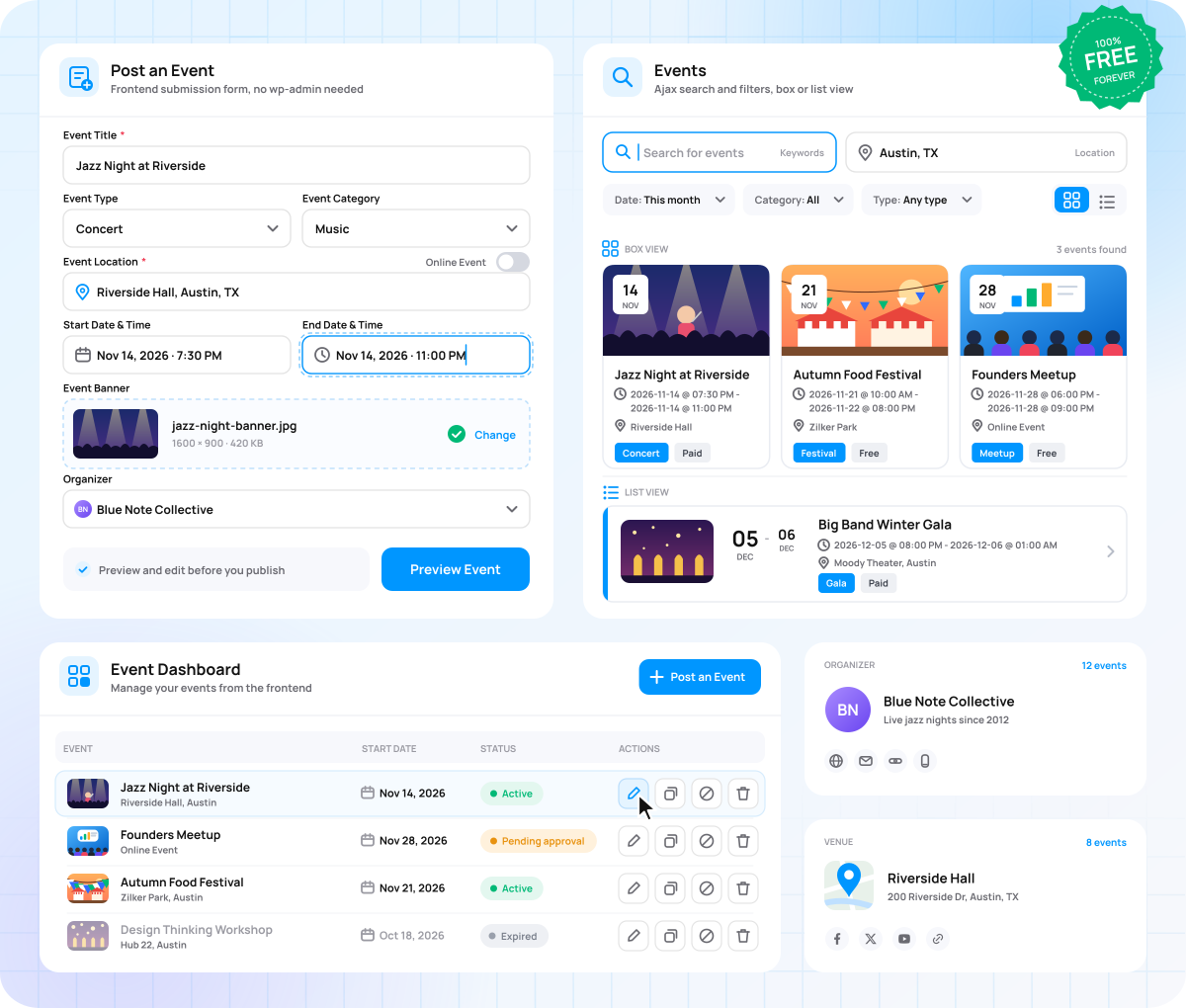
Publish and Manage Events on Your Own Website

Turn your WordPress site into a complete event management platform that is quick to set up and simple to run, without any coding.

  • Free forever
  • Frontend event submission
  • Search and filters
  • Venues and organizers
  • Organizer dashboard
Sell event tickets from WordPress

Keep Every Event Accurate and Easy to Update

Events shared on social media and in emails get lost and are hard to keep updated. WP Event Manager puts all your events on your website, so you change details in one place and visitors always see the right information.

Get Started Free

Free to start Download the core plugin from WordPress.org at no cost.

Easy to use Set up and manage events without writing any code.

Mobile-friendly Event lists, event pages, and forms fit every screen size.

Open source Use and adapt the GPL-licensed code for any project.

Submit, List and Manage Every Event in One Place

One free WordPress event management plugin to collect, display, and organize your events.

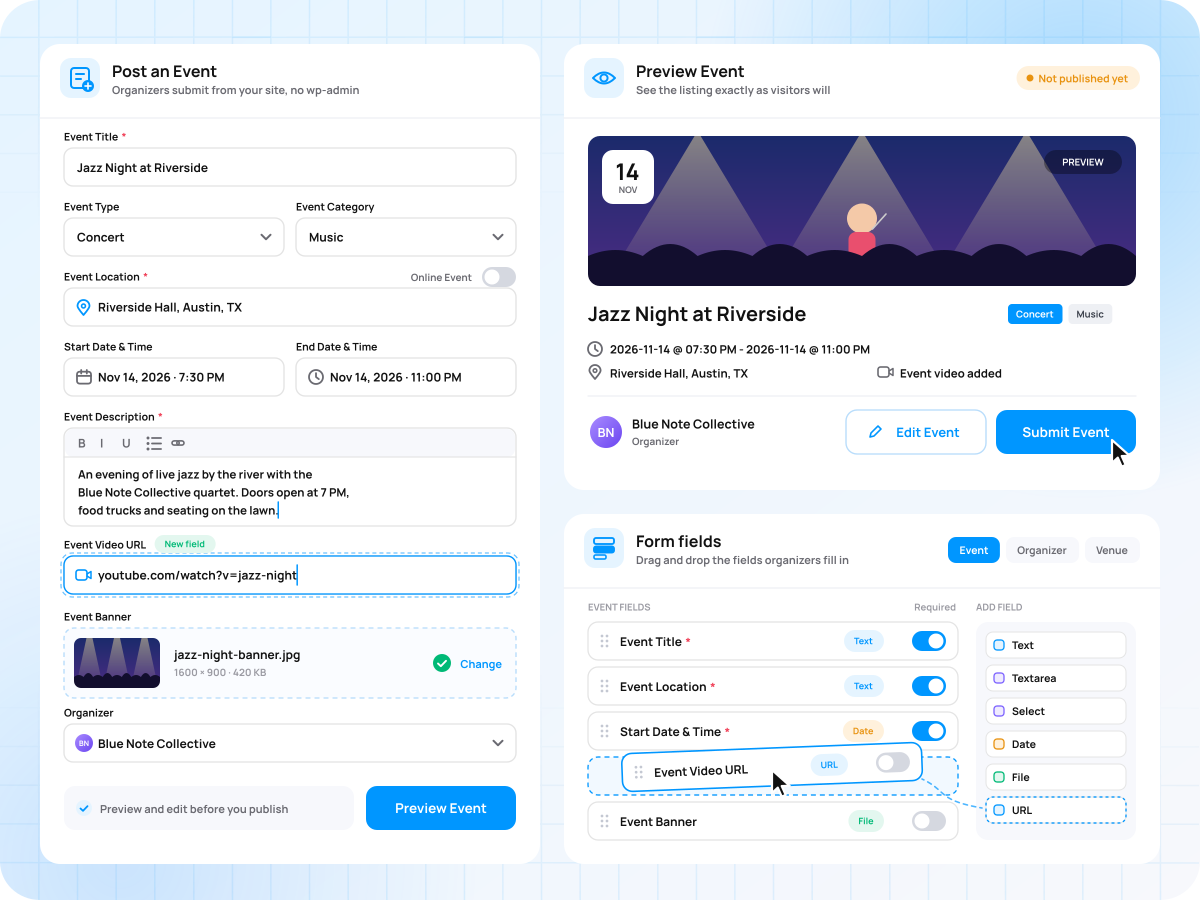
Collect Events From Your Organizers

Grow your event listings without typing every event yourself.

  • Frontend Event submission form
  • Preview Events before publishing
  • Field editor to customize forms.
 Collect Events From Your Organizers

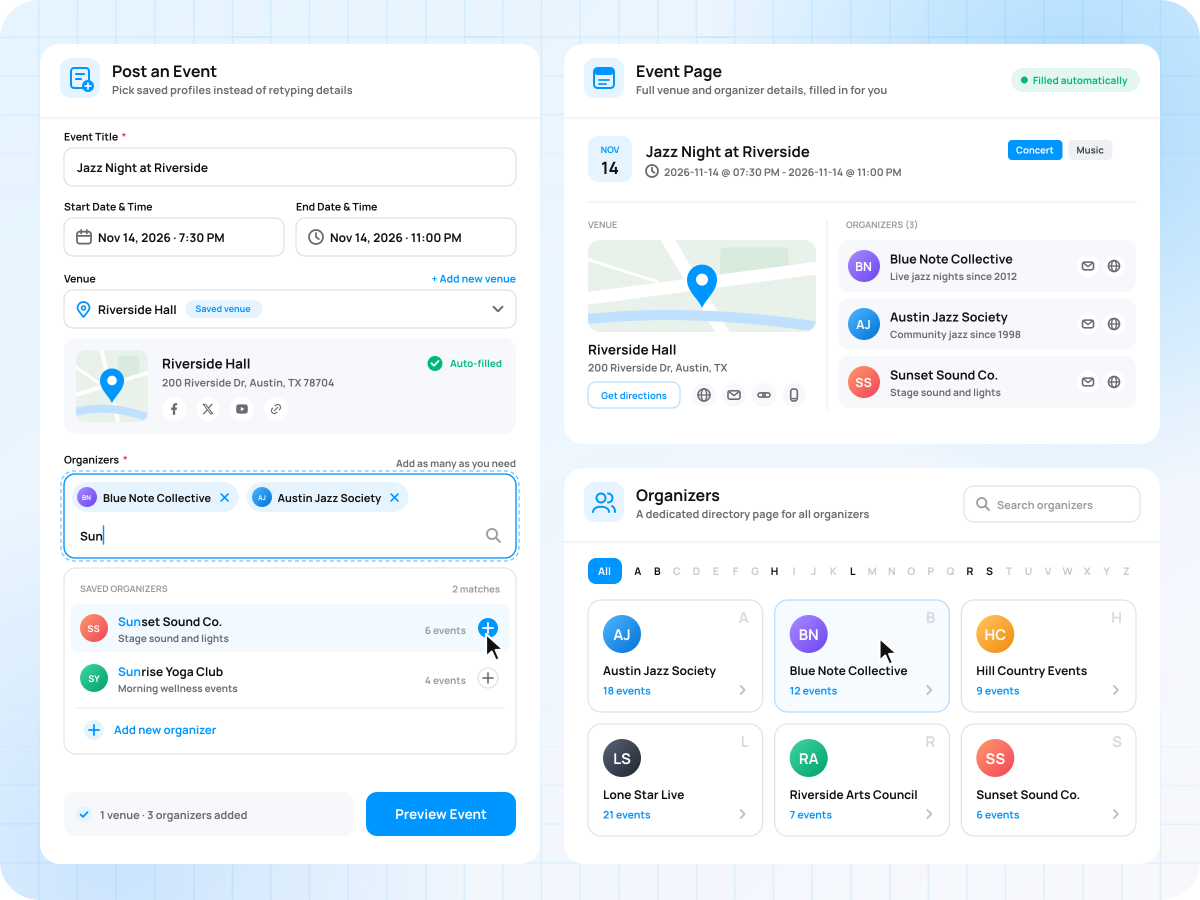
Add Venue and Organizer Details Once

Fill every event page with full details in a few clicks.

  • Saved venue and organizer profiles
  • Add Multiple organizers to each event
  • Dedicated organizer directory page
Add Venue and Organizer Details Once

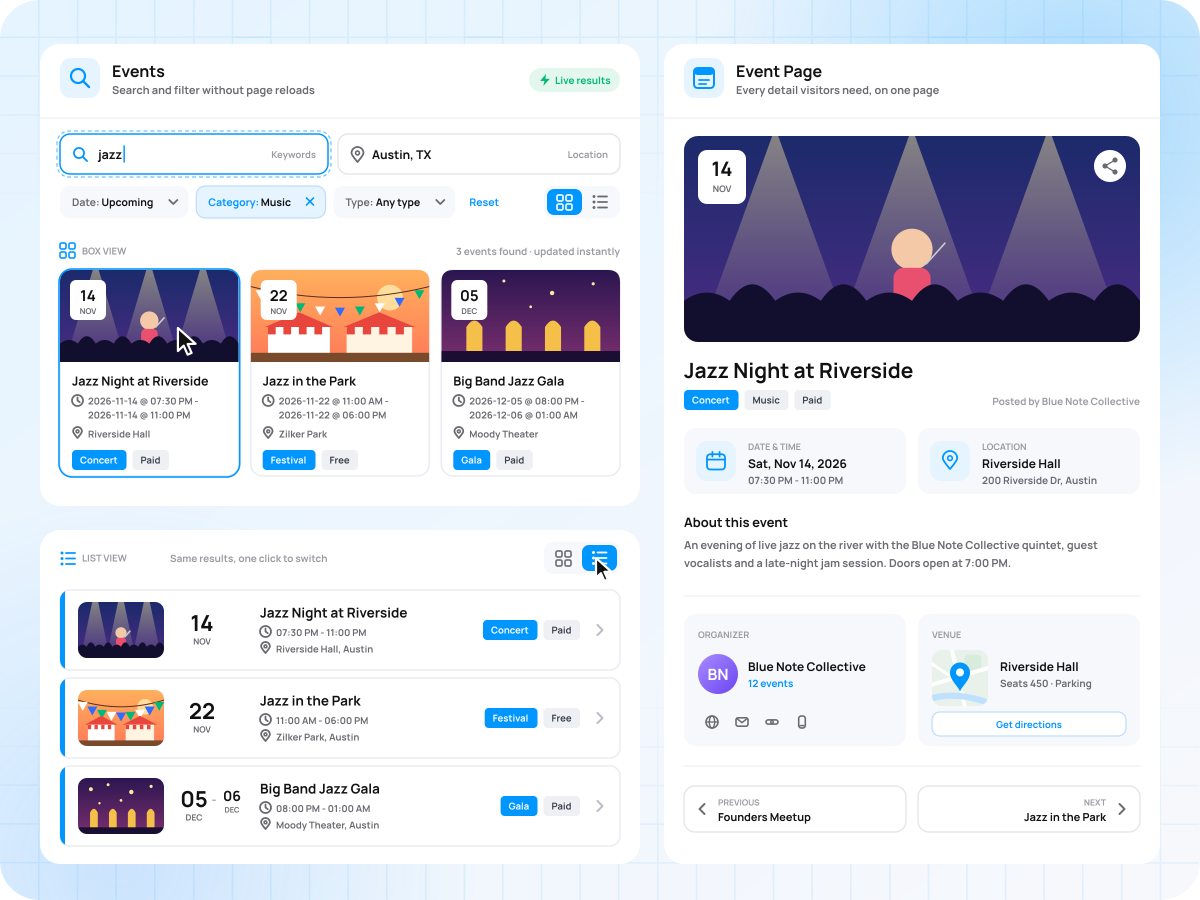
Display Events in a Layout Visitors Like

Give visitors a clear, fast way to browse and pick their next event.

  • List and box event layouts
  • Detailed single event pages
  • Search and filter without page reloads
Display Events in a Layout Visitors Like

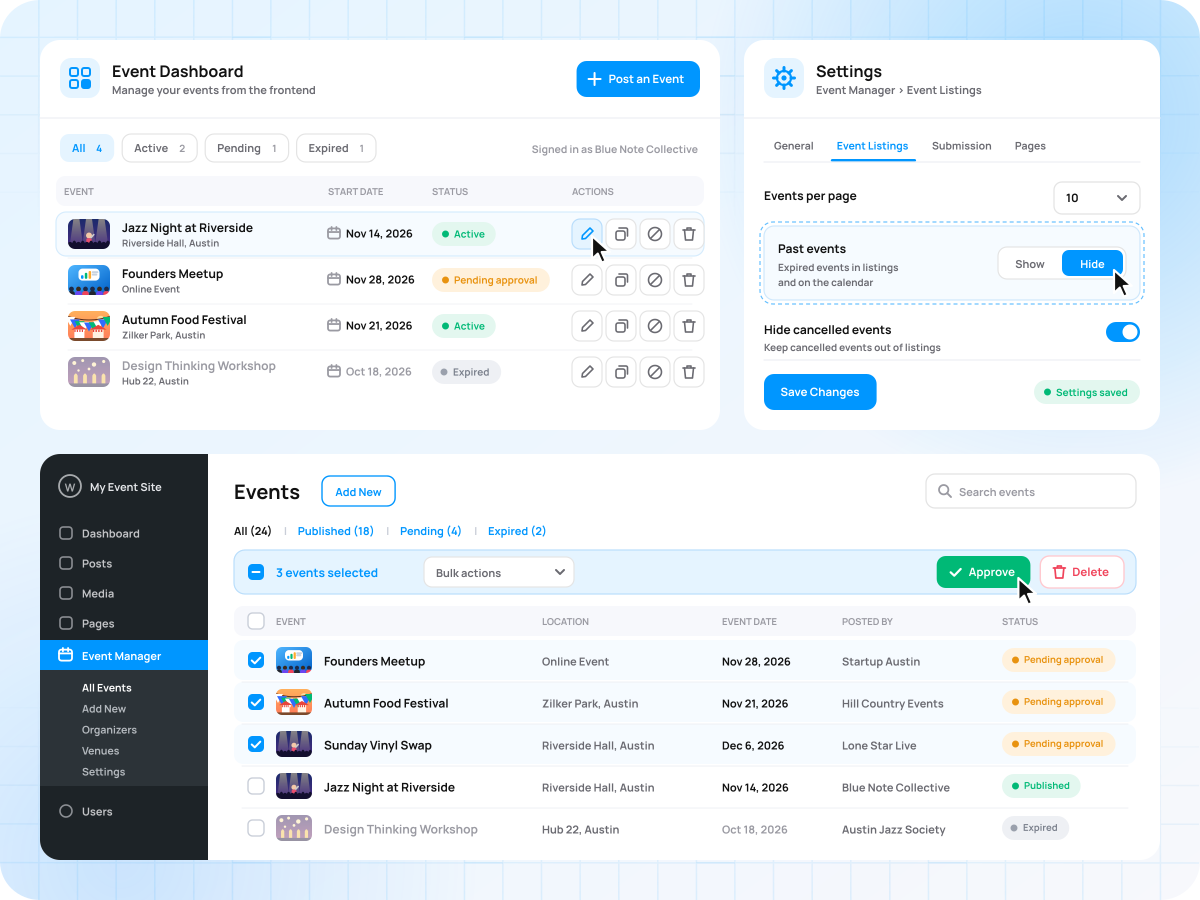
Manage Everything From One Dashboard

Keep every listing up to date, whether you are an organizer or an admin. Want a calendar view too? The Calendar add-on shows your listings in 7 views. Explore Calendar →

  • Frontend and backend event dashboards
  • Bulk approve or delete from the admin panel
  • Show or hide past events in WordPress settings
Manage Everything From One Dashboard

Everything You Need to List and Promote Events

List, organize, and share your events, all included in the free plugin.

Launch Your Event Website in 4 Steps

Install the free plugin, set up your pages, and publish your first event today.

01

Install WP Event Manager

Add it to your WordPress site.

02

Choose your settings

Decide how events are submitted, approved, and listed.

03

Set up your pages

Create pages for listings, submissions, and the dashboard.

04

Publish events

Add your event details and make the event live.

One Free WordPress Events Plugin for Every Organizer

List any event, from classes to concerts.

Classes and training

Classes and training

List yoga classes, courses, and training sessions with dates and venues.

Nonprofits and charities

Nonprofits and charities

Share fundraisers and volunteer events on your own website.

Community groups

Community groups

Let members submit local events for your approval.

Online and hybrid events

Online and hybrid events

List virtual and hybrid events alongside in-person ones.

Concerts and parties

Concerts and parties

Publish your full lineup with venues, organizers, and dates.

WP Event Manager vs Listing Events on Regular Pages

Both are free. WP Event Manager turns your event pages into a full event website.

Capability Events on regular pages or posts WP Event Manager (free)
Free to use
Works with your theme
Event page with date, time, venue, and organizer fields Limited (typed by hand on each page)
Organizers submit events from the frontend
Search by keyword, location, type, and category Limited (keyword search only)
Saved venue and organizer profiles
Event schema and JSON-LD data Limited (needs an SEO plugin set up for events)
Past events hidden automatically
Organizer dashboard to manage events

Explore All WP Event Manager Features

Every settings and controls included in the free core plugin.

Event Submission

  • Account creation during submission
  • Require login before submitting events
  • Admin approval for new events
  • Control who can submit events
  • Custom submit and update messages

Event Display

  • Classic and Crystal filter designs
  • Show or hide cancelled events
  • Hide expired events from search
  • Show or hide related events
  • Hide organizer data from guests

Management and Setup

  • Event status tracking
  • Cancel events from the dashboard
  • Add events from the admin panel
  • Publish unlimited event listings
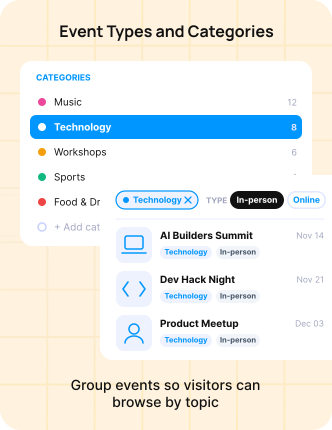
  • Enable categories on submission forms

Frequently Asked Questions

Have a question about WP Event Manager? Find the answers below or contact us.

Is WP Event Manager free?

Yes. The core plugin is free to download from WordPress.org and has no time limit. Paid add-ons, such as Calendar, Registrations, and Sell Tickets, add extra features when you need them.

Which add-ons work with WP Event Manager?

WP Event Manager works with 42 premium add-ons across features, ticket selling, marketing, and virtual events. Popular ones include Calendar, Registrations, and Sell Tickets.

Can organizers submit events from the frontend?

Yes. Organizers add events through a frontend form and preview them before publishing. Admins can approve each event before it goes live.

Does WP Event Manager work with any theme?

WP Event Manager works with most WordPress themes. We also offer 28 event themes built to match the plugin and its add-ons.

Which page builders does WP Event Manager support?

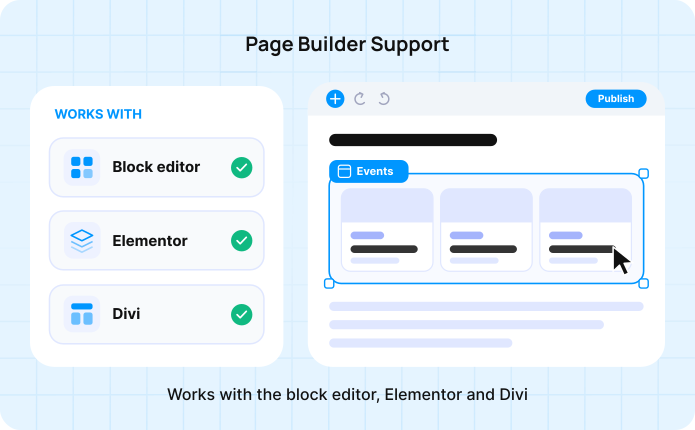
WP Event Manager works with the block editor, Elementor and Divi. Event listing shortcode settings are also available in an Elementor widget.

Can WP Event Manager run in other languages?

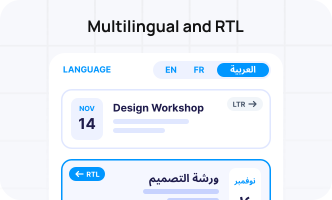
Yes. The plugin is available in many languages and works with WPML, Polylang and Loco Translate. It also supports right-to-left languages.

Does WP Event Manager help events show up in search engines?

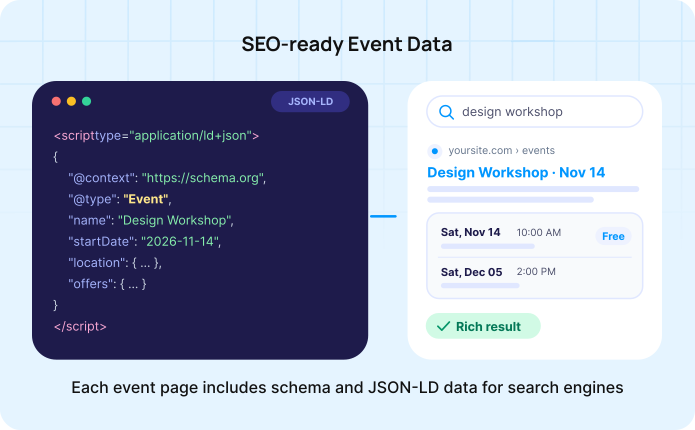
Yes. Each event page includes schema and JSON-LD structured data, which helps search engines read your event details.

Start Your Event Website Today

Download the free WordPress event plugin and publish your first event in minutes.

  • Free forever
  • 30,000+ users
  • 30+ add-ons when you need more
Close
Close