Use coupon code:
 Something exciting is coming soon – stay tuned to find out! 🚀✨

-
Case Studies
-
Nov 16, 2026
-
Nov 16, 2026
-
199
-
0
- Next blog »
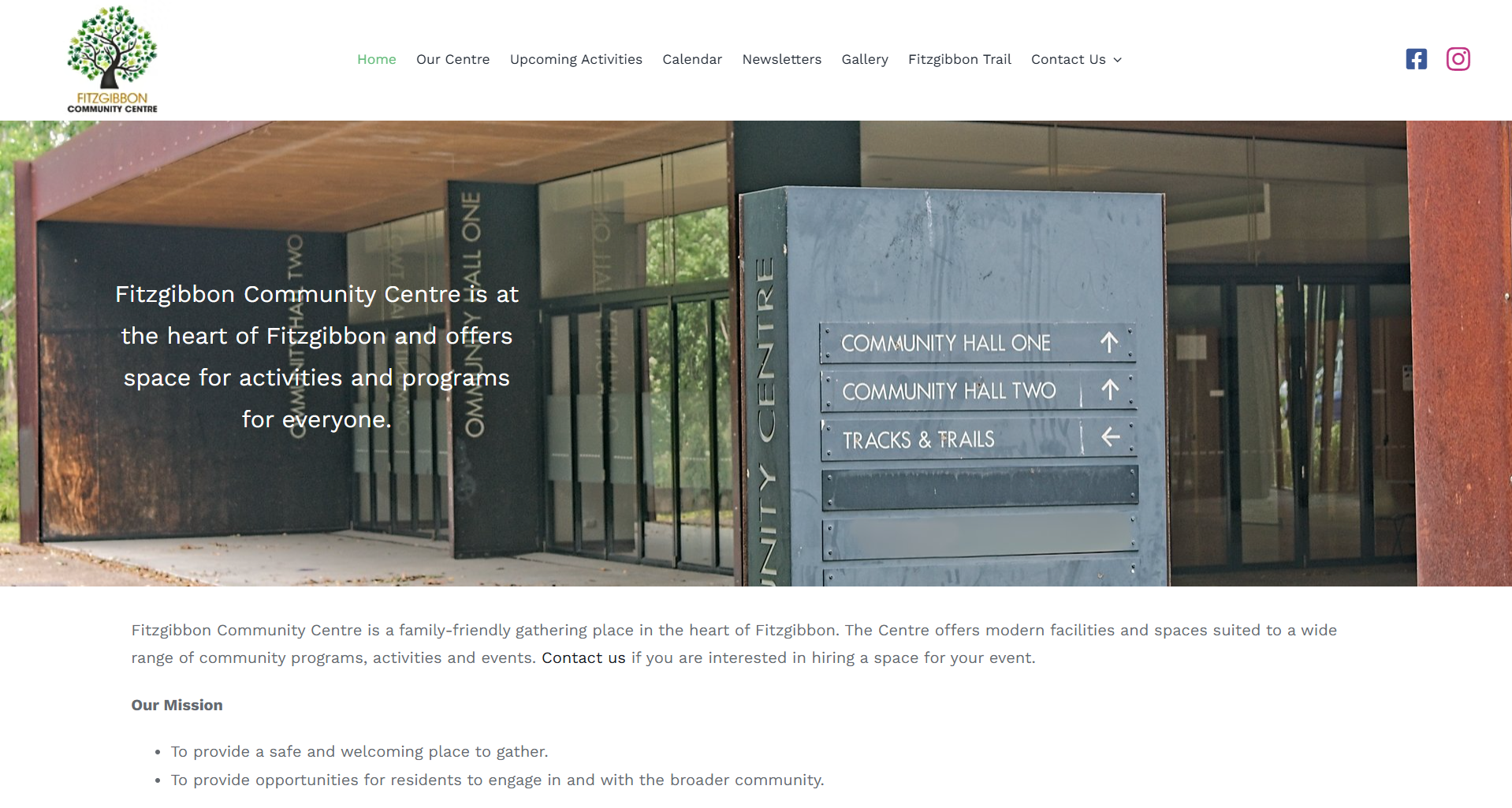

Fitzgibbon Community Centre is a not-for-profit community space in Fitzgibbon, Queensland, Australia. Local groups run yoga, fitness, martial arts, craft, dance and children's classes there every week. When the centre needed a new website, Mr Keith Heinrich, a freelance web builder, set up WP Event Manager to put all of those activities in one place.
Industry:
Events and Event TicketingIn this case study, we look at how the centre uses our core plugin with the Calendar and Recurring Events add-ons to run a community event calendar on its own WordPress site. We also share why Mr Keith picked WP Event Manager after looking at other options.
- Organization: Fitzgibbon Community Centre
- Industry: Not-for-profit community centre and venue hire
- Location: Fitzgibbon, Queensland, Australia
- Website: fitzgibboncommunitycentre.org
About Fitzgibbon Community Centre
The centre gives local people a safe, welcoming place to meet and take part in community life. It sits on Roghan Road in Fitzgibbon, in Brisbane's north, and offers rooms and halls for programmes, classes and private hire.
A normal week at the centre includes:
- Fitness and wellbeing classes such as yoga, Amazing Fitness and Kanga Training.
- Martial arts and dance, including Rhee Tae Kwon-Do and line dancing.
- Children's sessions like Little Kickers soccer and a Spanish playgroup.
- Community groups such as the Fitzgibbon Craft Group and a local Probus club.
Most of these groups meet on the same day and at the same time each week. That is a lot of repeat activity for a small team to keep up to date online.
Why the Centre Needed a New Website
The centre's old website had been left unused. Mr Keith was asked to build a new, active site, and a calendar was at the centre of the brief. People in the area needed one place to see what was on at the centre and when.
Mr Keith had three clear needs for the events side of the site:
- It had to be easy for the centre's team to use.
- Events had to be simple to share on Facebook and Instagram, where the centre already talks to the community.
- It had to be affordable because the centre is not for profit.
Why Mr Keith Chose WP Event Manager
The site is built on the Avada theme, which comes with its own events tool. Mr Keith found it didn't do what the centre needed, so he went looking for a WordPress event calendar plugin that did. He compared a few event managers and picked WP Event Manager for two reasons:
- It had the features the centre needed, from a calendar to repeating weekly classes.
- Our online resources were excellent, so he could set things up and find answers on his own.
WP Event Manager also worked cleanly with Avada. Mr Keith didn't have to change the theme or rebuild the design to add the calendar.
Cost mattered too. The core plugin is free, and the centre only needed two paid add-ons on top of it. Everything runs on the centre's own website, with no fees taken from its events.
How WP Event Manager Runs the Centre's Event Calendar
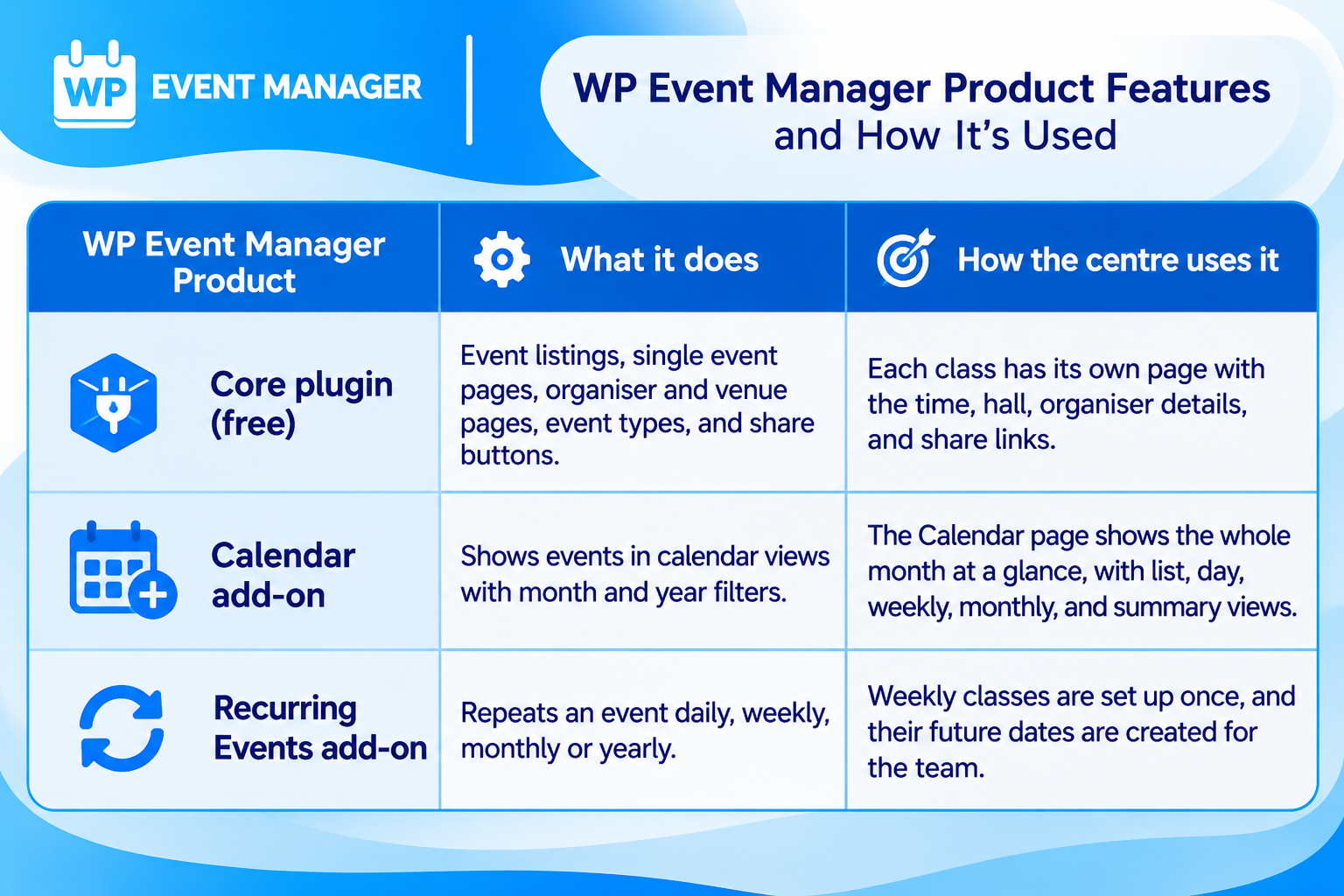
Fitzgibbon Community Centre uses three parts of WP Event Manager. Here is what each one does and how the centre uses it:
A Community Event Calendar People Can Read at a Glance
The Calendar page is where most visitors start. It opens on the current month, with each day showing its classes, start and end times, and the address. Visitors can switch between list, day, weekly, monthly, and summary views, or jump to another month and year.
For a centre with a busy weekly timetable, this is the easiest way for people to plan. A parent can see that Little Kickers runs every Saturday morning, then check which evenings have line dancing or Tae-Kwon-Do.
Recurring Events for Weekly Classes
Most of the centre's activities repeat every week. With our Recurring Events add-on, the team sets up a class once and picks how often it repeats. Future dates are created on their own, so nobody has to add the same yoga class 52 times a year.
Each date still gets its own event page. If one session moves or is cancelled, the team can change that single date without touching the rest of the series.
Event Pages That Are Easy to Share
Every class has a page built by the core plugin. It shows the date and time, a map link for the address, the hall it runs in, and an organiser panel with the group's website and social links. Venue and organiser pages give each hall and each group a home of their own.
Each event page also has a "Share With Friends" panel with buttons for Facebook, Twitter, LinkedIn, Xing and Pinterest. This is what makes sharing simple for the centre: open an event, click Facebook, and the post goes out with the event's title, description, and image. The "Upcoming Activities" page adds a full list of what's on, sorted by date and grouped by activity type.
What Changed for the Centre With WP Event Manager
Mr Keith says WP Event Manager did the job the centre needed it to do. The new site now works like this:
- The community has one calendar for every class and group that meets at the centre.
- Weekly activities repeat on their own, so the timetable stays current with little effort.
- Visitors find what they need quickly, by month, by week or by activity.
- Sharing an event on Facebook takes a click from the event page.
- The centre pays for only the two add-ons it uses, which suits a not-for-profit budget.
The centre hasn't shared figures, so we've kept to what Mr Keith told us and what the live site shows. At the time of writing, the calendar lists at least ten regular groups across the week.
What Other Community Centres Can Learn From Fitzgibbon
- Put every activity in one calendar, so people don't have to check several pages or groups.
- Use recurring events for weekly classes and spend your time on the one-off changes instead.
- Give each group an organiser page with its own links, so people can contact them directly.
- Add share buttons to event pages so your members do the promoting for you.
- Start with the free core plugin and only add the features you need.
Build Your Community Calendar With WP Event Manager
WP Event Manager suits community centres, clubs, churches and local groups with a busy weekly timetable. The free core plugin gives you event listings, event pages, organiser and venue pages and share buttons. As an event management plugin for WordPress, it lets you add the Calendar, Recurring Events or any other add-on when you need it, one at a time or as part of a bundle.
About the Author