Halloween Sale! Get 25% OFF All WP Event Manager Products. Use Code: HALLOWEEN26 Oct 28 - Nov 12, 2026. shop Now
Calendar Calendar

Display All Your Events in One WordPress Event Calendar

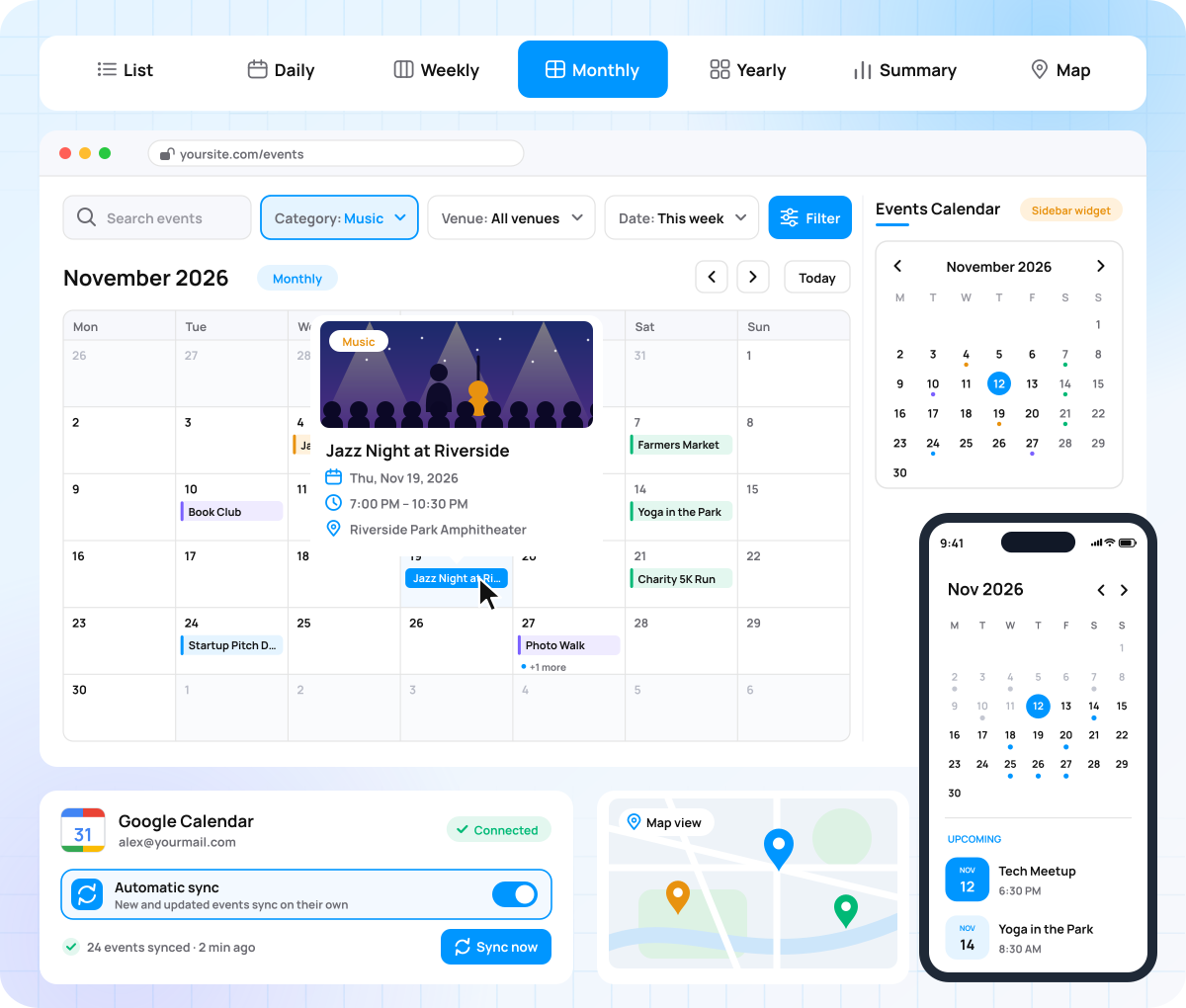
Show your events in multiple views, preview event details by hovering over calendar date slots, and sync events seamlessly with Google Calendar.

  • 7 calendar views
  • Google Calendar sync
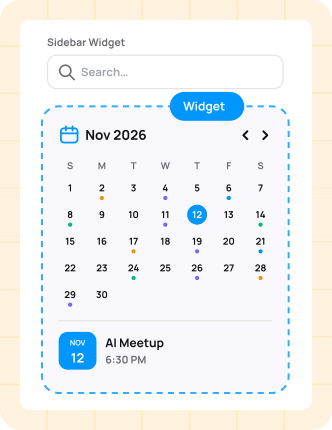
  • Sidebar calendar widget
  • Mobile-friendly layout
Sell event tickets from WordPress

Save Visitors From Scrolling Through a Long Event List

A long event list makes visitors scroll to find a date. Visitors pick a date and open the event in one click with the Calendar.

Set Up Calendar

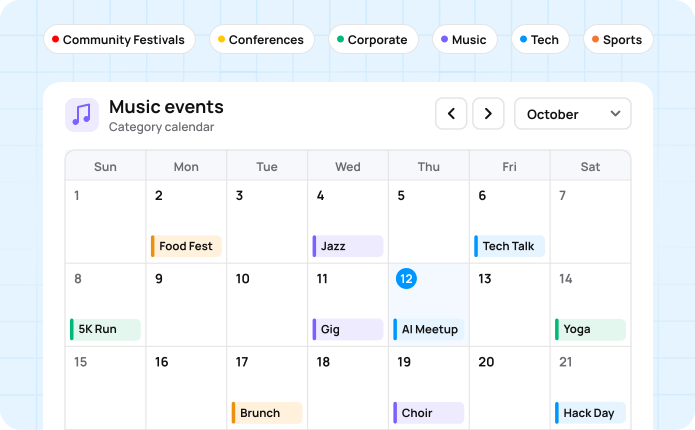
Spot busy dates at a glance The calendar marks every day that has an event.

Preview before clicking Visitors hover over an event to see its image and dates.

Browse on any device The mobile-friendly event calendar fits phones, tablets, and laptops.

See past and upcoming events Show earlier events right next to what is coming up.

Show Your Events in 7 Calendar Views

One WordPress event calendar that fits every schedule, from a single day to a full year.

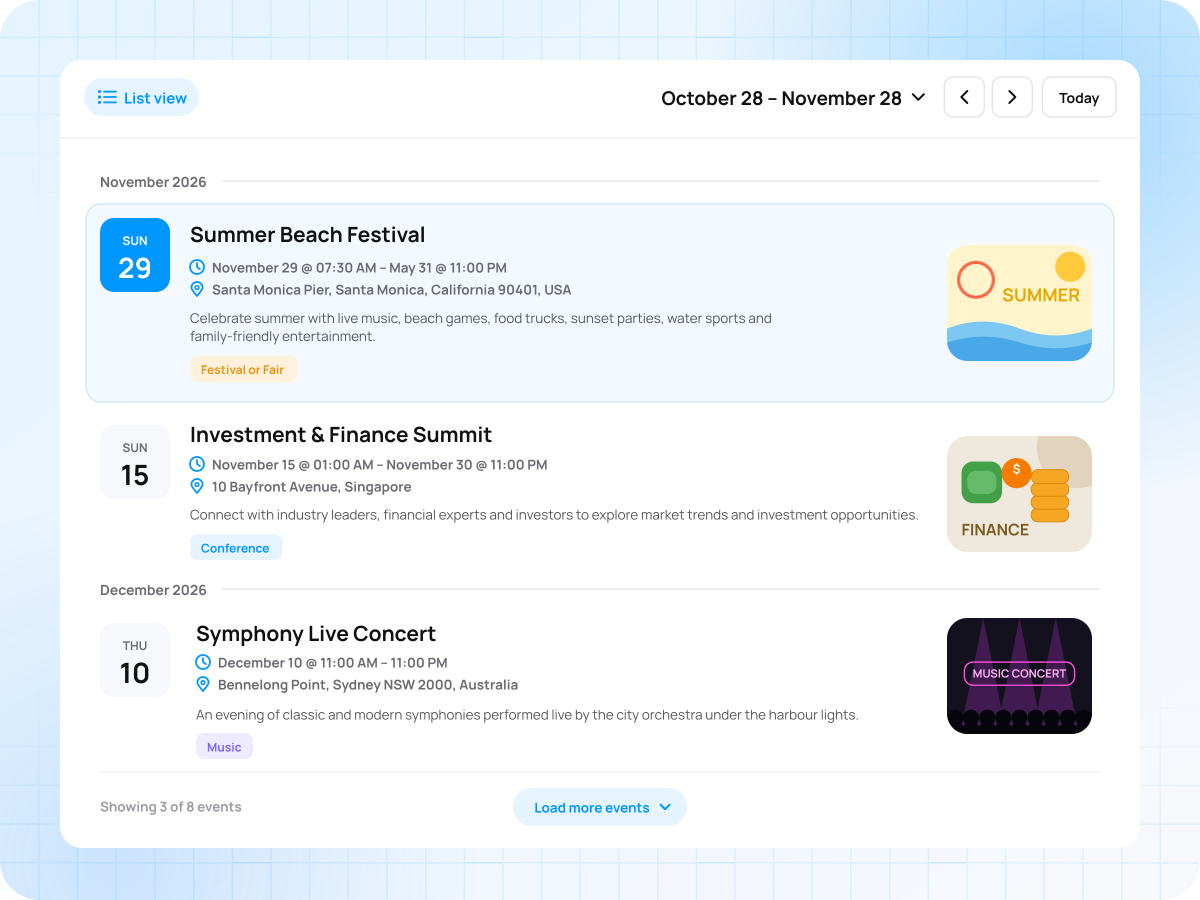
List view

Show upcoming events in a clean list with dates, times, and venues.

  • Every event in one list
  • Quick to read and scroll
  • Best for frequent event schedules
List view

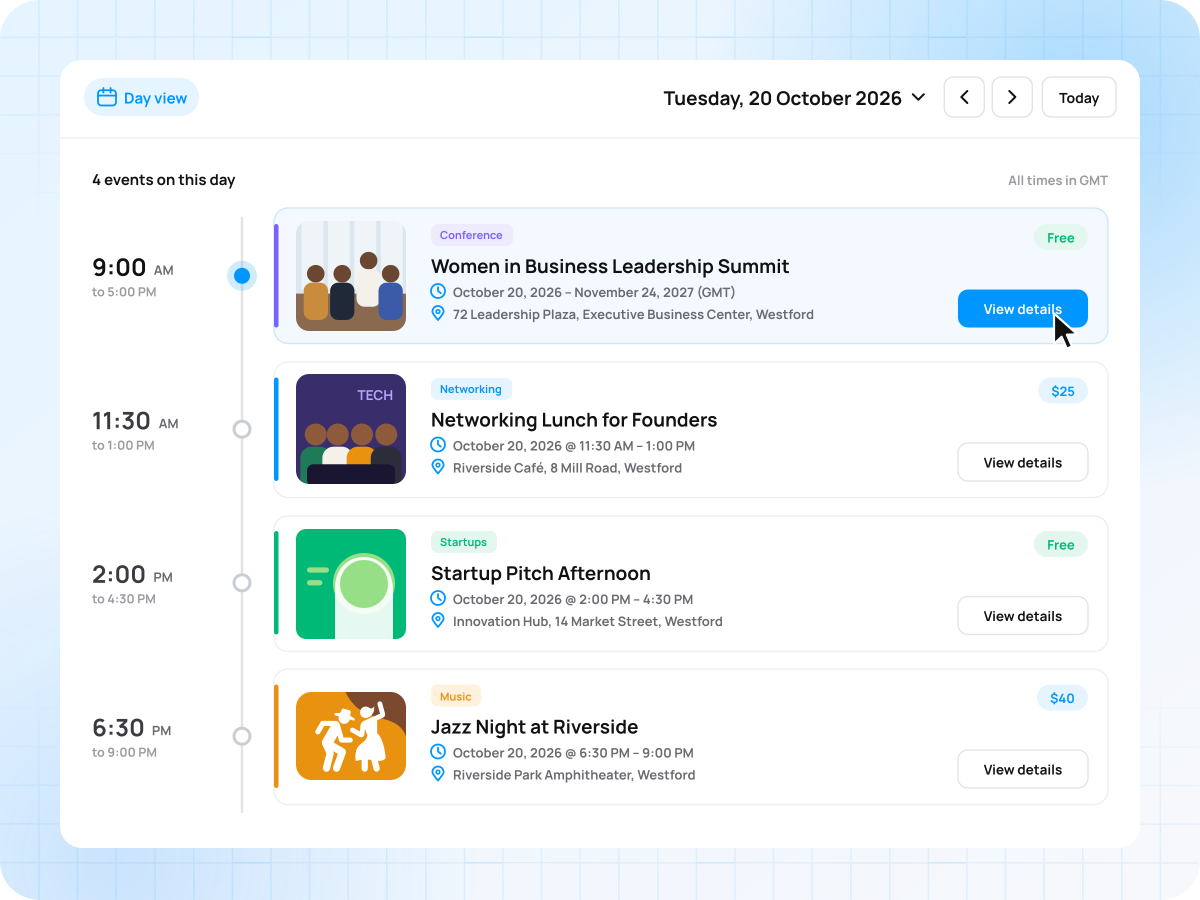
Daily view

Show every event happening on a single day, sorted by start time.

  • Pick any date to check
  • Busy days stay well organized
  • Best for festivals and conferences
Daily view

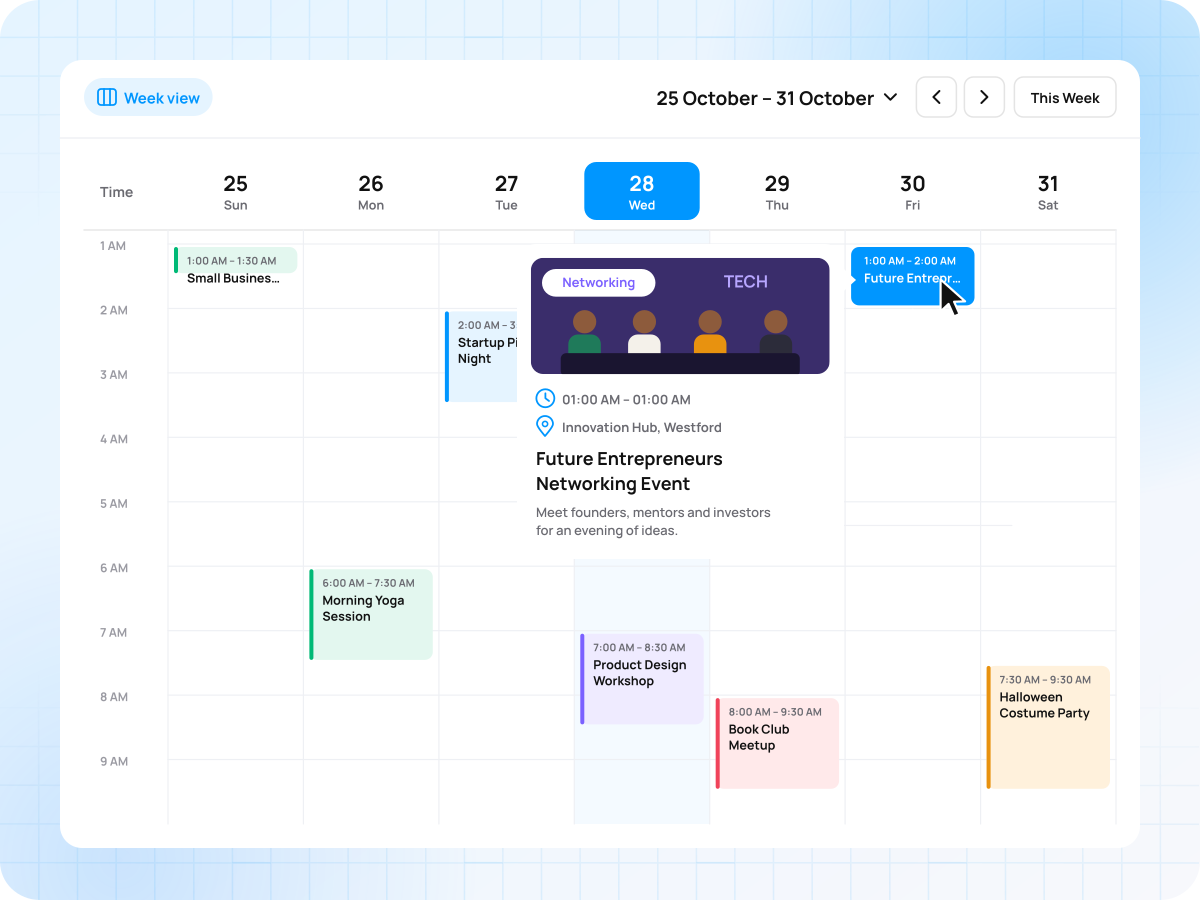
Weekly view

Lay out the whole week so visitors can plan the day ahead.

  • Seven days on one screen
  • Busy days stand out quickly
  • Best for classes and programs
Weekly view

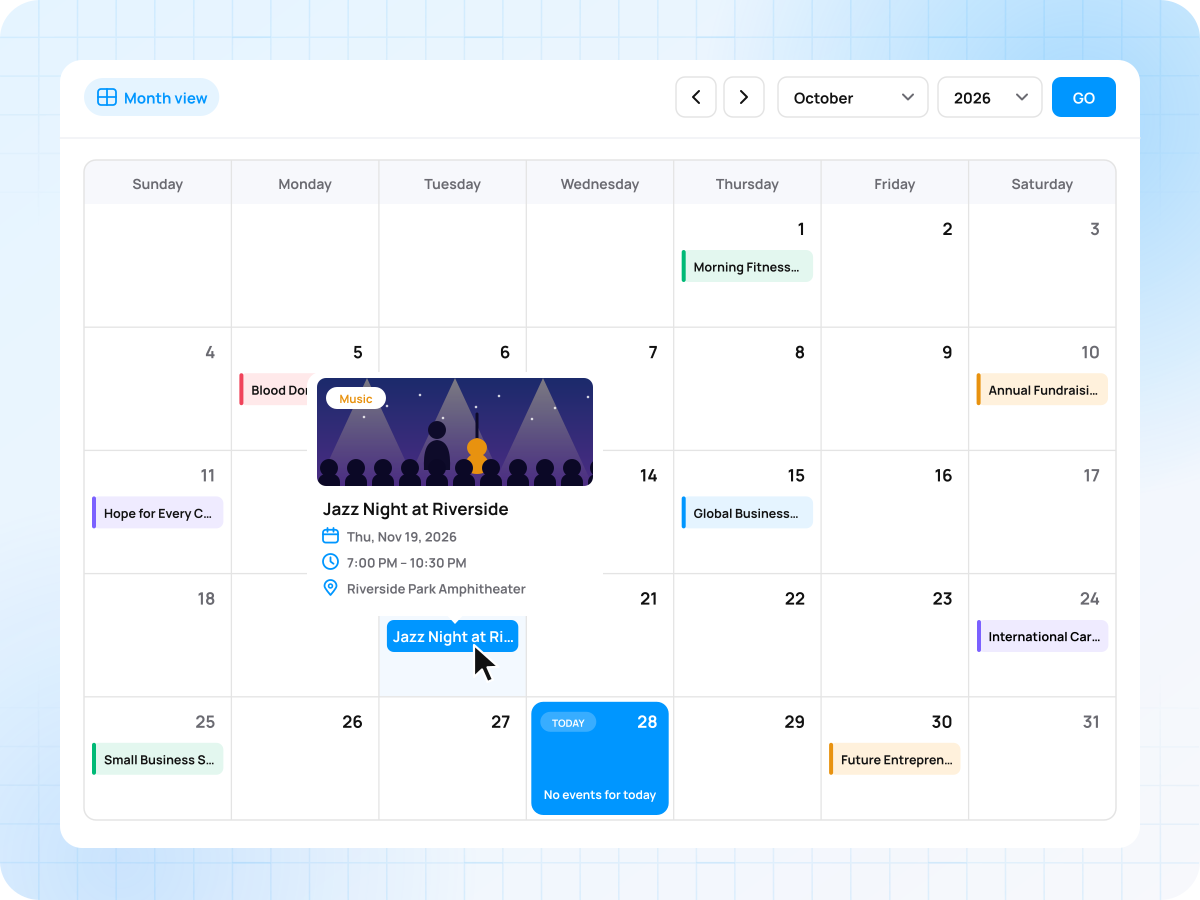
Monthly view

Place each event under its date on a full-month calendar grid.

  • A layout visitors already know
  • Every date at a glance
  • Best for clubs and venues
Monthly view

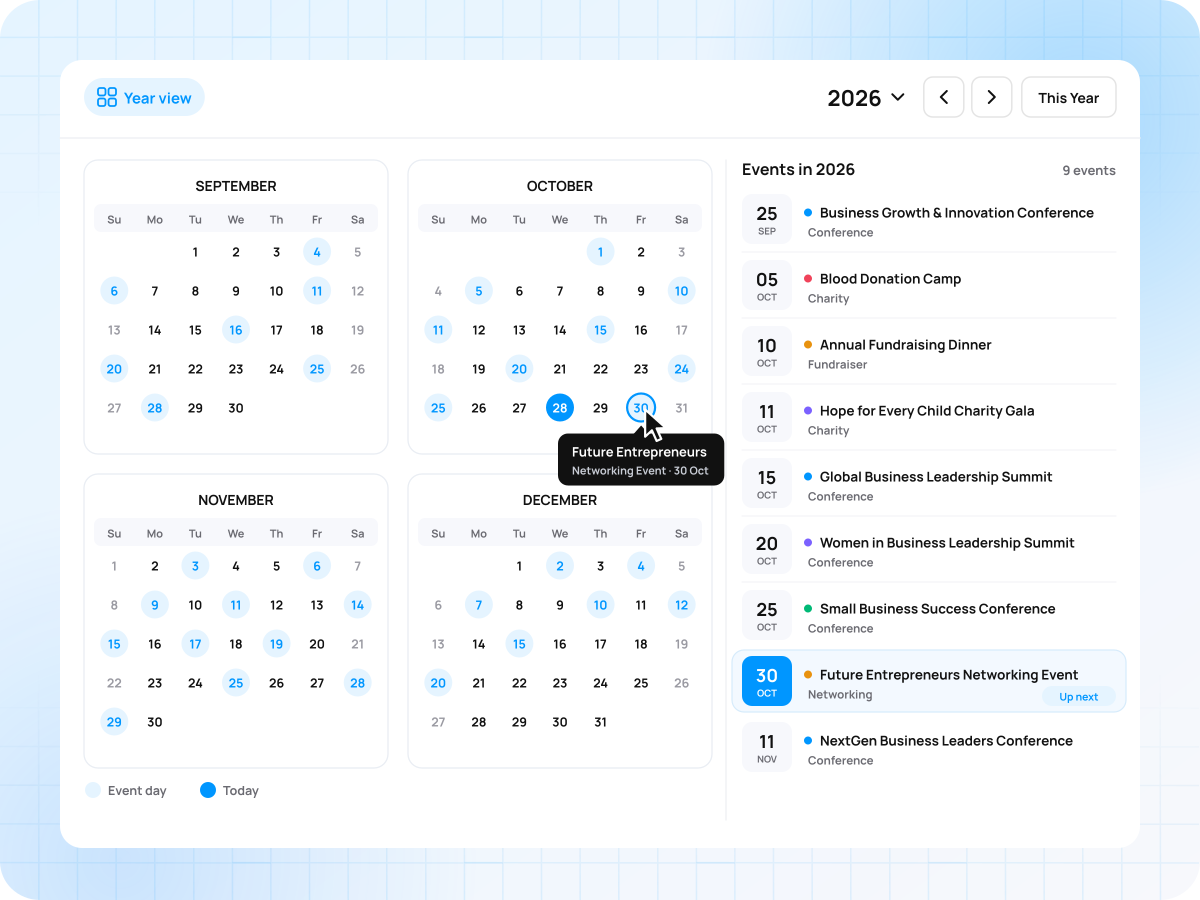
Yearly view

List the year’s events beside a small calendar that marks event days

  • Past and upcoming events together
  • Builds trust with event history
  • Best for annual event programs
Yearly view

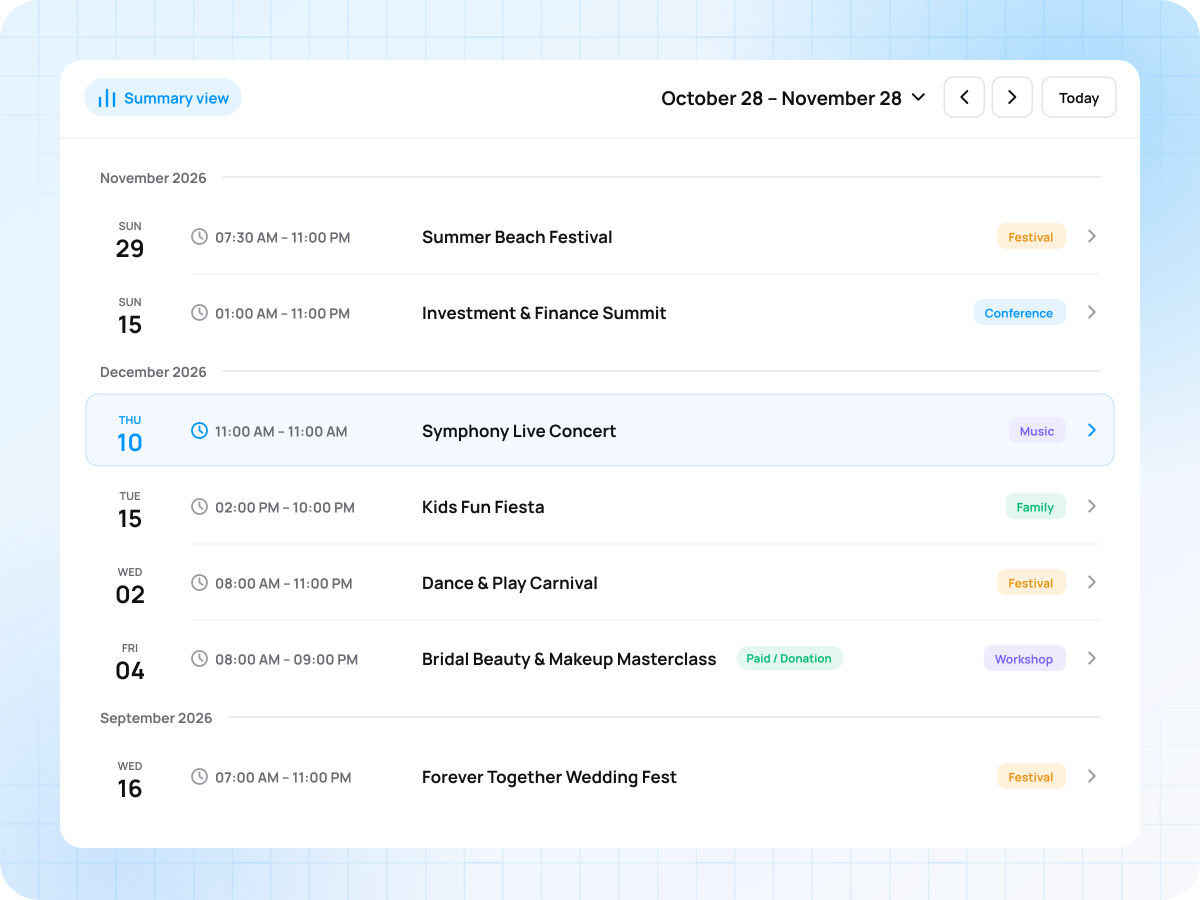
Summary view

Give visitors a short overview of your events for a quick scan.

  • Shows title, date and time
  • Leaves out long event descriptions
  • Best for compact event pages.
Summary view

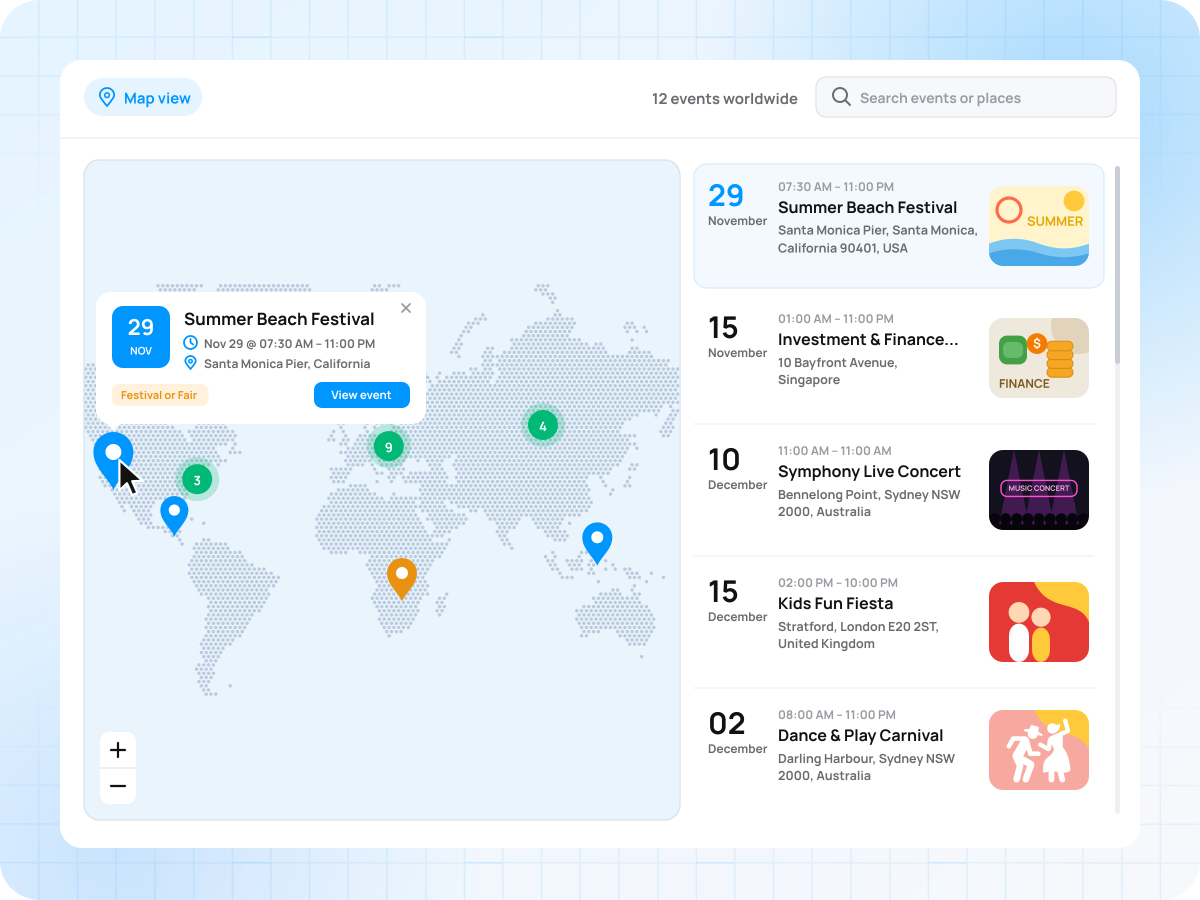
Map view

Pin every event at its venue so visitors can find events nearby.

  • Browse events by location first
  • Help visitors plan their trip
  • Best for multi-city event listings
Map view

Everything You Need to Display Events in a Calendar

Show, filter, and share your events from one calendar on your website.

Add Your Event Calendar in 4 Steps

Install the add-on, choose your views, and publish your calendar today.

01

Install Calendar

Add the Calendar add-on to your WordPress site.

02

Pick your settings

Turn views on or off, set a default, and choose your week’s first day.

03

Publish the calendar

Add it to the page where visitors look for events.

04

Go live

Visitors open the calendar from the calendar icon on your event listings.

One Event Calendar for Every Organizer

Put any event schedule on one calendar.

Concerts, festivals, and shows

Concerts, festivals, and shows

Show your full season of gigs and festival dates month by month.

Conferences and business events

Conferences and business events

Show sessions, meetups, and summits in a weekly or yearly view.

Religious and cultural events

Religious and cultural events

Show weekly events, holy days, and cultural celebrations on one calendar.

Nonprofit and community events

Nonprofit and community events

Show fundraisers, meetings, and volunteer drives by date so members see what’s coming up next.

Sports, fitness, and outdoor events

Sports, fitness, and outdoor events

Show matches, races, and training sessions by date and location.

Calendar vs an Embedded Google Calendar

An embedded Google Calendar needs separate event entries and sends visitors to Google. The Calendar add-on uses your WP Event Manager listings and keeps visitors on your event pages

Capability Embedded Google Calendar Calendar by WP Event Manager
Shows your WP Event Manager events automatically
Matches your WordPress theme Limited
List, Daily, Weekly, Monthly, Yearly, Summary and Map views Limited (month, week, and agenda views only)
Each event opens your own event page Limited (a link typed into the event description)
Hover preview with event image Limited (a click pop-up with text details, no event image)
Map view that pins each event at its venue
Separate calendar for each event category Limited (a separate Google calendar for each category)
Sidebar calendar widget Limited (a resized embed)
Template overrides for developers

One Yearly Price for Your Event Calendar

Pick the number of sites you need. Every plan includes 1 year of support and updates.

1 Site

$4 /mo

Billed yearly at $49

Buy Now

3 Sites

$8 /mo

Billed yearly at $99

Buy Now

5 Sites

$17 /mo

Billed yearly at $199

Buy Now

10 Sites

$25 /mo

Billed yearly at $299

Buy Now

Unlimited

$33 /mo

Billed yearly at $399

Buy Now

Save more with a bundle.

★ MOST POPULAR ★
Event Manager Pro bundle

Need More Than a Calendar?

Get Calendar, Recurring Events, iCal, Google Maps and 16 more add-ons in the Plus bundle.

$8/mo

Billed annually at $99

Explore Event Manager Plus 20+ add-ons
Add-on Requirements
WP Event Manager (free) WP Event Manager (free)

What’s Included
1 year of add-on updates 1 year of support

Frequently Asked Questions

Have a question about Calendar? Find the answers below or contact us.

What is the difference between the free WP Event Manager plugin and Calendar?

The free plugin shows your events in list or box layouts. Calendar adds a full event calendar on top of it, so visitors can browse your events by date.

Can recurring events be displayed on the calendar?

Yes. Create repeating events with the Recurring Events add-on, and each date appears on the calendar. Visitors see every occurrence in the view they choose.

How much does the Calendar add-on cost?

Calendar starts at $49 a year for 1 site and works with the free WP Event Manager plugin. It is also included in the Plus, Pro, Virtual Pro, and All Events Manager Pro bundles.

Which views does Calendar add-on include?

Calendar includes List, Daily, Weekly, Monthly, Yearly, Summary, and Map views. You choose which views to enable and set one as the default.

How is the Calendar added to a page?

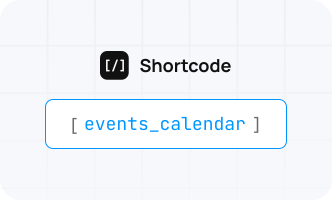
Add the [events_calendar] shortcode to any page. To show events from one category, add the categories attribute, for example [events_calendar categories=”charity”].

Can the Calendar appear in a sidebar?

Yes. Drag the Event Calendar widget into any widget area from Appearance > Widgets. You can also use the [events_calendar_widget] shortcode

Does Calendar sync with Google Calendar?

Yes. Add your Google Calendar API credentials in the settings and turn on automatic sync. Then connect your Google account from the event dashboard.

Does the Calendar work on mobile devices?

Yes. The calendar layout adapts to phones, tablets, and laptops. Your visitors can browse and open events on any screen.

Can developers change the Calendar design?

Yes. Copy the calendar template into a wp-event-manager-calendar folder in your theme and edit it there. Your theme’s copy then replaces the default template.

Can past events be shown on the Calendar?

Yes. The calendar can show past and upcoming events together. Visitors can look back at earlier events and see what is coming next.

Put All Your Events on One Calendar Today

Give your visitors a WordPress event calendar they can browse, filter, and use on any device.

  • Instant download
  • 1 year of updates and support
  • Works with the free WP Event Manager
Close
Close