Use coupon code:
  Something exciting is coming soon – stay tuned to find out! 🚀✨
-
WP Event Manager
-
Mar 31, 2026
-
Mar 31, 2026
-
7
-
0
- Next blog »
There is no denying that mobile apps have brought the entire world to our mobile phones. Starting from ordering your favorite food online to monthly bill payments, these apps have made human life easier and more comfortable. Similarly, event mobile apps have also revolutionized the way events are managed. However, not all event apps that are available in the market are useful. In this article, we have shared a detailed guide on how to use WP Event Manager mobile app named the Organizer app and why it is one of the best event mobile apps for event organizers.
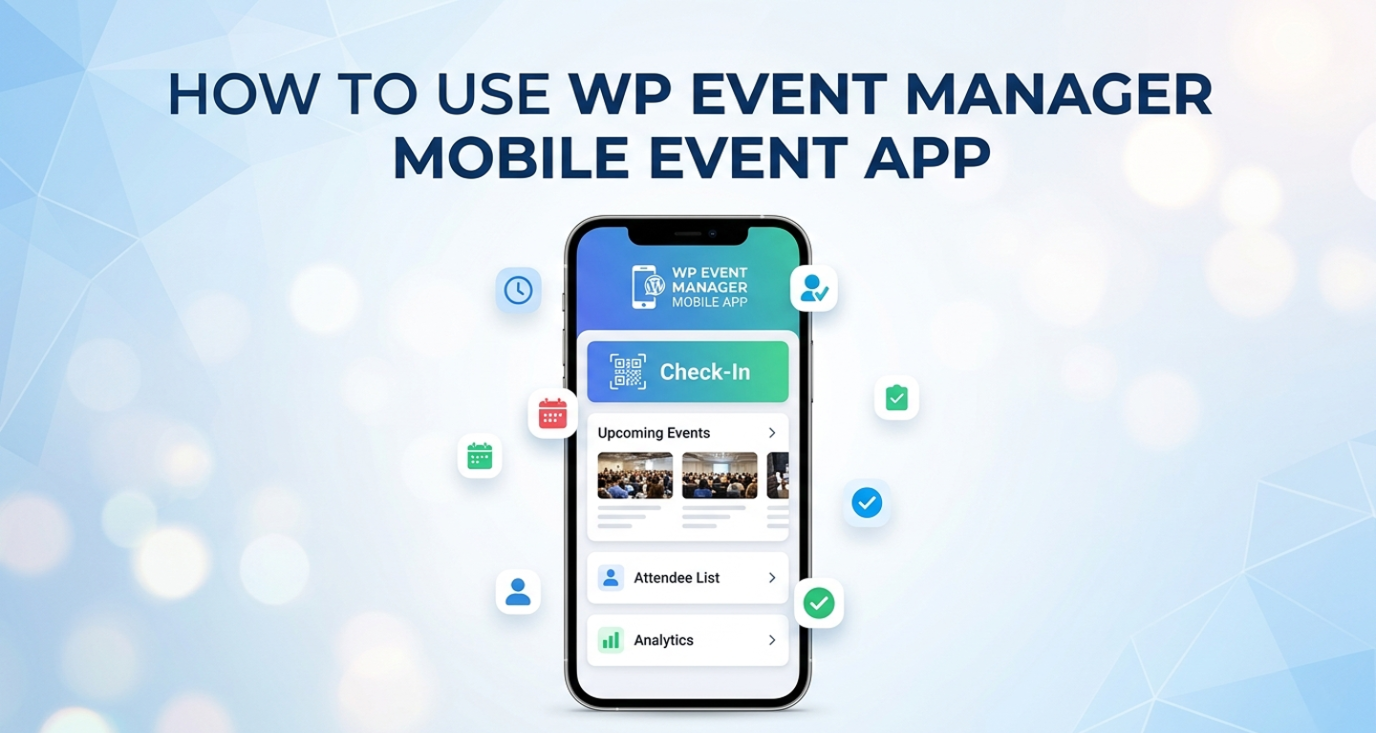
Let us begin with the features that a good event mobile app must have.
Features to look for in an event mobile app
An event mobile app is developed to help event organizers manage the whole process through their mobile phones. It acts as a centralized platform from where they can access event details, manage tickets, attendee check-ins, and more.
Here are the features you must look for in an event mobile app:
- User-friendly interface.
- Customization.
- Easy access to registration and ticketing details.
- Full control over attendee data.
- QR-based check-in.
- Branding options.
- Privacy and security to protect confidential user data.
Considering all the above mentioned features, we recommend WP Event Manager's organizer app; it not only carries robust features but also offers a great user experience.
Introduction to the WP Event Manager Mobile App
The mobile event app of WP Event Manager is exclusively designed to simplify event management for organizers. It has a wide range of features that redefine event management through mobile.
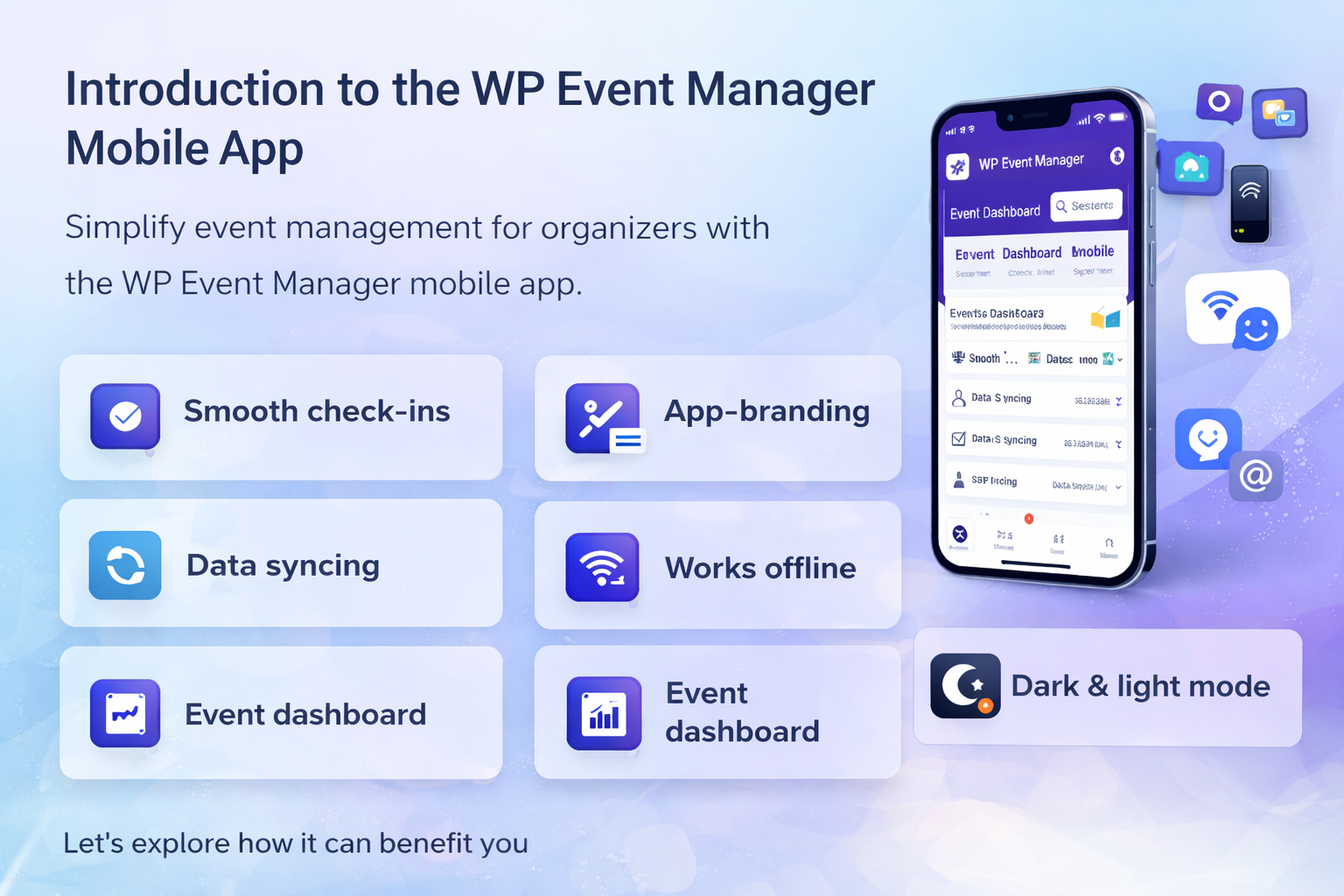
The key features of the Organizer app include:
- Smooth check-in system
The mobile app allows event organizers to track attendee check-ins in real time. Whenever an attendee enters your event, an instant notification is sent on your mobile letting you know about it.
- App-branding
You can personalize the mobile app by adding your preferred brand color and logo and enjoy a branded experience. It not only enhances professionalism but also reflects your brand identity.
- Real-time event data syncing
The app enables you to seamlessly sync all your attendee data and event details from your events website and get rid of all the hassle of manually inserting data into the app.
- Works offline
Your internet connection might ditch you, but the WP Event Manager mobile app never does as it works even when you are offline. The organizer app saves all your crucial data when offline and syncs them immediately after your internet connection is restored.
- Detailed event dashboard
As an organizer, you will get full control over all your events through a detailed dashboard. You will be able to access and manage all your event details, ticket sales, and registration report, and real time attendee check-in information.
- Dark and light mode
Use the event mobile app as per your convenience by setting it in dark or light mode for a better visual experience.
- Multi-language support
One of the biggest advantages of using the WP Event Manager's organizer app is that you can translate it into your preferred language to use it smoothly without any hassle.
Now that you know about the key features of the event mobile app, let us discover how to use it.
How to use the WP Event Manager Mobile app?
Using any WP Event Manager premium addons is no less than a piece of cake as they are specially designed for people without any technical background. Moreover, they have a sincere support team who is always there to help in case you get stuck anywhere while using the app.
Note: The Organizer app is available for free to all WP Event Manager premium add-on users. However, you need to purchase the Registration, Sell Tickets, and Guest list add-on to utilize the strength of the app fully.
Let us begin with the plugin installation:
You can install the app both manually and automatically. After installing the plugin, you need to enter the Website URL and API Key generated on the website. To generate the API key, you need to have the REST API plugin, which connects the event mobile application to your WordPress site. In simple words, it syncs all your website data, including organizers' events, users, and more with the WP Event Manager Mobile app.
Once you are done with the installation and API connection, you are ready to work with it. The app settings give you many choices to run the app the way you want.
With the setting options, you can add your preferences to the following sections:
- Enable or disable offline mode
- Choose your preferred language
- Select between dark or light theme.
- Name the device
You can easily personalize the mobile app by specifying your preferences in the settings section.
The app gives you access and control over the following things:
- Event listing menu: It displays the list of your live and past events.
- Event dashboard: You will get each event dashboard that shows its organizers, venues, number of views, registration and ticket sales details.
- Attendees: You can also view the list of attendees by clicking on the attendees icon which reveals their names, registration details and more.
- Guest list: If you have the guest list add-on installed in your system, you will be able to see the guests you have created in each event.
The mobile app offers you a lot of features that empower you with full event control and seamless management. For a detailed user guide, you can go through our Organizer app's knowledge base section
Wrapping up
An event mobile app helps you track all your event activities and operations in one place, which saves time and a lot of hassle that you would have to face if you managed them manually. The WP Event Manager mobile app provides users with extraordinary features that simply redefine event management through mobile. Starting from accessing event listings to tracking check-ins, everything is done on a centralized platform.
About the Author