Use coupon code:
  Something exciting is coming soon – stay tuned to find out! 🚀✨
- « Previous blog
-
Grow My Business
-
May 26, 2026
-
May 21, 2026
-
673
-
0
- Next blog »
In an ecommerce business, customers' purchasing decisions often depend on your product pages. No matter how many visitors you attract to your online store, if your WooCommerce product pages are not optimized properly, your conversion rate will remain low.
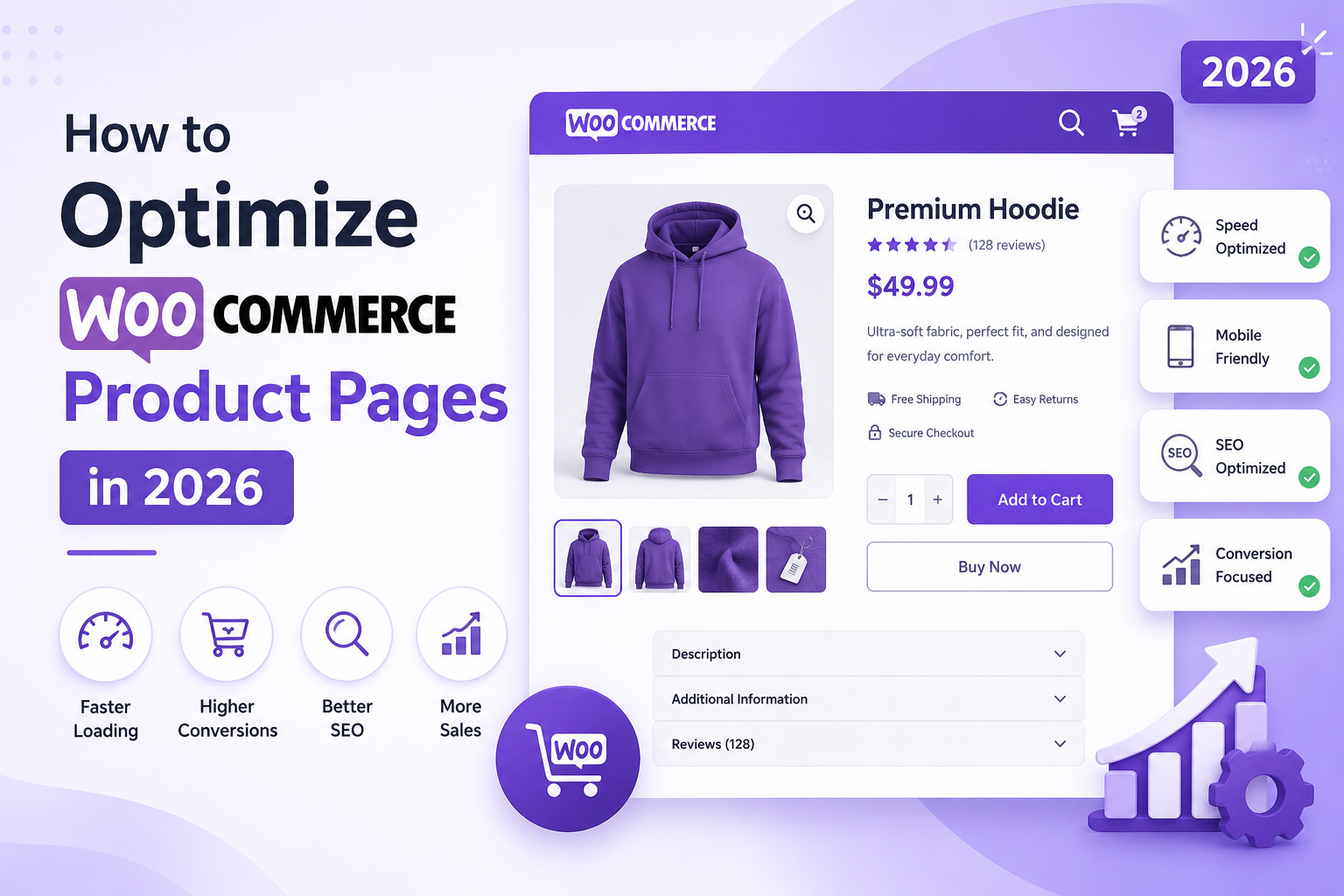
Optimizing WooCommerce product pages in 2026 has gone far beyond just using the right keywords, and uploading attractive product images. Search engines now test pages based on experience, content, mobile accessibility, speed, user intent, and more. Similarly, buyers also look for a fast, informative, and reliable shopping experience.
In this article we have shared some useful tips on how to optimize WooCommerce product pages in 2026. Let us explore them all.
Why It Is Important to Optimize WooCommerce Product Pages
If you want to run a successful eCommerce business in 2026, WooCommerce product page optimization is mandatory for you. These pages highly influence customers in making their purchasing decisions.
Here are the key reasons why WooCommerce product page optimization is important in 2026:
- Improves Search Engine Rankings
Search engines like Google always prefer high quality product pages that contain useful and relevant information. That is why product pages with proper titles, descriptions, keywords, and structured data rank higher on Google and gain maximum organic traffic. - Increases Conversion Rates
A well designed product page helps customers make faster buying decisions, which ultimately increases conversion. - Enhances User Experience
Properly optimized WooCommerce product pages fulfill customers' expectation of fast loading, easy navigation, and mobile friendly shopping experiences. This makes it easier for shoppers to find the information they need quickly. - Reduces Bounce Rates
Visitors take a few seconds to leave a website that loads slowly. Product page optimization helps keep users engaged longer by improving page speed, readability, and overall presentation. - Boosts Mobile Commerce Performance
When it comes to online shopping, most visitors use their mobile phones. Mobile optimized product pages ensure smooth browsing and purchasing experiences to customers, which ultimately increase sales. - Builds Customer Trust and Credibility
In-depth product information, authentic customer reviews, easy and clear return policies, secure payment badges, and clear shipping details build trust among customers and increase business credibility. - Encourages Repeat Purchases
A positive shopping experience increases customer satisfaction and encourages repeat business. Customers are more likely to return to stores that provide smooth and informative product experiences.
Now let us find out the tips and tricks to optimize WooCommerce product pages successfully.
How to Optimize WooCommerce Product Pages
Follow the below mentioned strategies to optimize your WooCommerce product pages to drive sales.
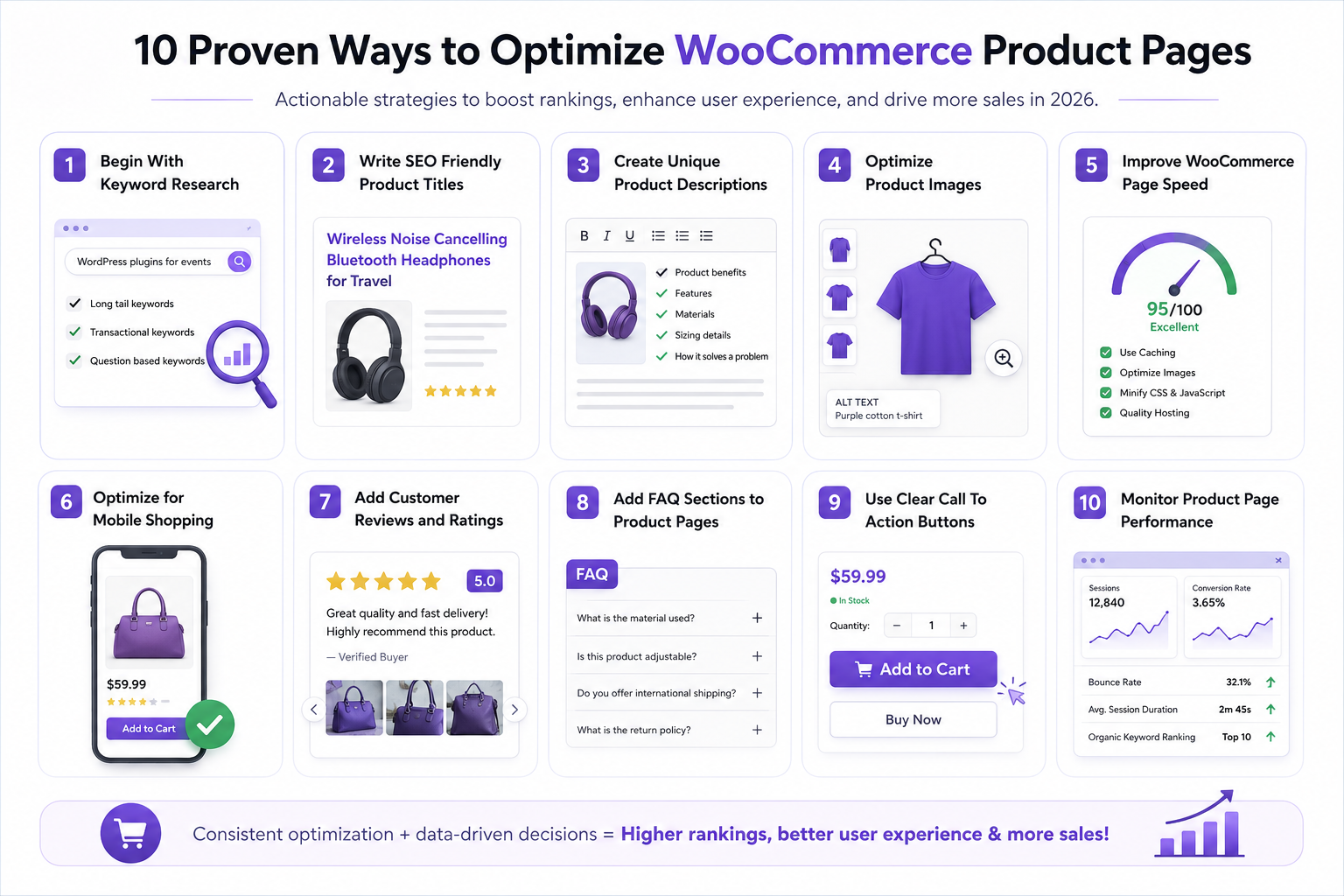
1. Begin With Keyword Research
The first step to optimize product pages is to identify high ranking keywords suitable for your business. Keep in mind that in 2026, search intent is more important than keyword stuffing.
- Look for the phrases people generally use to search for products that you sell.
- For example, instead of targeting plugins, you should target WordPress plugins for events.
- Use tools like Google Keyword Planner, Semrush, Google Search Console etc.
- Don't forget to include long tail keywords, transactional keywords and question based keywords along with the primary one.
This helps product pages rank for multiple search variations.
2. Write SEO Friendly Product Titles
Once you find the right keywords, focus on the product titles. Make sure that they are SEO friendly.
- WooCommerce product titles should be descriptive.
- The title must have the focus keyword.
- Ensure that the title is readable.
- Instead of vague titles like "premium headphones" use a title like Wireless Noise Cancelling Bluetooth Headphones for Travel.
This improves search visibility, click through rate, and clarity.
3. Create Unique Product Descriptions
One of the most common WooCommerce SEO mistakes is copying manufacturer descriptions. Copied content often reduces your chances of ranking well on Google.
- Your WooCommerce product description must contain product benefits, features, materials, sizing details and other specifications,
- Explain how the product solves a problem.
This approach improves both SEO and conversions.
4. Optimize Product Images
Visual content plays a pivotal role in attracting customers and building trust.
High quality and authentic images improve engagement, but oversized files can slow down your WooCommerce store.
Here are some image optimization tips for you:
- Use high resolution images
- Compress images properly
- Add keyword in alt text
- Show multiple product angles
- Include zoom functionality
- Along with images, add video content as well
Image optimization helps improve rank and makes your products accessible without affecting the page speed.
5. Improve WooCommerce Page Speed
Website speed directly impacts conversions, SEO rankings and user experience .
Google continues to prioritize Core Web Vitals in search rankings, especially for ecommerce websites.
To improve WooCommerce speed:
- Use lightweight themes
- Enable caching
- Optimize images
- Delete unnecessary plugins
- Minify CSS and JavaScript
- Choose quality WooCommerce hosting
A one second delay can significantly affect ecommerce conversions.
For a detailed guide on Website page speed, read our previous article on how to speed up your WordPress site.
6. Optimize for Mobile Shopping
Mobile commerce continues to dominate online shopping trends in 2026.
To ensure that your WooCommer product pages are mobile friendly, follow the below mentioned tips:
- Use responsive layouts.
- Provide easy navigation.
- Add easily readable texts.
- simplified checkout flows
Do not forget to test your website's mobile friendliness on different devices.
7. Add Customer Reviews and Ratings
Building trust is one of the most important factors in eCommerce business. This can only be achieved with genuine reviews and ratings. User generated content adds freshness to product pages and helps search engines understand relevance.
- Encourage verified buyers to leave ratings and add reviews with images.
- Incentivize buyers to add reviews.
This will help increase conversion rate and buyer confidence.
Responding to reviews also shows active customer engagement.
8. Add FAQ Sections to Product Pages
FAQs are important for all pages on your website. It is not only a useful SEO hack but also allows users to get their common queries solved without hassle.
- Use proper keywords in your FAQ section.
- Make sure that common queries related to your products are covered.
- Keep the language simple.
This improves user experience, SEO and helps pages appear in featured snippets.
9. Use Clear Call To Action Buttons
Strong calls to action buttons are vital to drive conversions, especially when sales are involved.
- Ensure that your add to cart button is prominent, mobile friendly and easy to understand.
- Check if it is redirected to the right page.
- Make the purchase page clean and clutter free.
Remember that your online ordering process should be simple and quick. This will significantly reduce the abandoned cart rate.
10. Monitor Product Page Performance
WooCommerce product page optimization is not a one time job. You need to be consistent and closely track your product page performance to understand if you are on the right track.
- You can use tools like Google Analytics, Google Search Console etc to measure your page performance.
- Keep an eye on the bounce rate, user behavior, page speed, keyword ranking and conversion rate.
This will help identify areas that need improvements.
Final Thoughts
Optimizing WooCommerce product pages in 2026 requires balancing SEO, performance, and customer experience.
Modern ecommerce success depends on fast loading pages, mobile optimization, high quality content, impressive visuals, and user trust. We hope that the tips shared on this article will help you perfectly optimize your WooCommerce pages and drive sales.
About the Author