Use coupon code:
  Something exciting is coming soon – stay tuned to find out! 🚀✨
- « Previous blog
-
Events
-
Jan 20, 2026
-
May 22, 2026
-
1002
-
0
- Next blog »
Attendee management is one of the most crucial elements of an event. Right from managing bulk registration data and ticket sales to follow ups and collecting feedback, it covers a vast area of work. Each step needs perfection and consistency, which can be challenging if done manually.
This is where the need for automation through the right tools comes in. The integration between WP Event Manager and Zoho CRM does exactly the same for you. It not only automates the attendee data collection system but also creates a centralized platform for attendee data management efficiently.
In this article, you will learn how WP Event Manager and its add-on Zoho CRM helps automate attendee data management with their outstanding features. Let us begin with attendee management automation.
What is attendee management automation?
The term attendee management automation signifies the process of automating the tasks related to handling event attendee data. Such tasks include the following:
- Attendee registration and ticketing details.
- Categorizing attendees on the basis of event types, preferences, roles etc.
- Sennding marketing emails, follow ups, feedbacks, reminders and more.
- Syncing attendee data with a CRM.
- Measuring event performance and level of engagement.
All the above tasks can be automated with WP Event Manager and Zoho CRM which ultimately saves your time, effort, and ensures accuracy and consistency at every step.
Why automating attendee management is essential?
Automation in various event activities is not only an event industry trend but also a necessity that every event organizer should adopt to get rid of tedious and repetitive tasks and save time to focus on the creative side of an event.
Here are the advantages of automating attendee management that make it essential for every event:
- Boost efficiency: Automation in attendee management including registration, ticketing, sending reminders, confirmation, payment notification etc eliminate the need for manual efforts and removes human errors ensuring efficiency and accuracy in data entry.
- Improves attendee experience: Automation enables attendees to smoothly complete the registration, ticket purchasing and, event check-in process. Besides this, the attendee data that organizers collect helps offer personalized event content to them that also improves attendee experience at your event.
- Encourages data driven marketing: Attendee data plays a crucial role in letting organizers understand their attendees, their preferences and most importantly what they are looking for in their events. Based on this and event performance they can create their marketing campaigns and make data driven decisions.
- Reduced errors: As automation is driven by machines, it completely removes the chances of human errors which is commonly seen while handling attendee data manually. Similarly it ensures accuracy in maintaining attendee lists and their details.
- Better revenue earning potential: A simplified registration and ticketing system encourages more and more attendees to take part in your event which ultimately increases your events revenue earning potential.
Automating attendee management is beneficial for both attendees and organizers it makes the management process easy by saving time and effort and offers a great attendee experience at the same time.
Role of WP Event Manager in capturing attendee data
WP Event Manager is an eminent event management plugin for WordPress that covers almost all event related requirements for event organizers through its premium addons and that include automated attendee data collection as well.
- The event Registration addon allows organizers to create a customizable registration form through which they can collect the specific data that they want from their attendees.
- This is the main attendee data that is stored in your event platform and can be utilized to create engaging marketing campaigns.
- Besides the Registration and ticketing addons, it offers multiple CRM based addons that helps organizers automate event marketing campaigns and sync attendee data to various platforms. One of these addons is the Zoho CRM which is built with the powerful features of WP Event Manager and Zoho CRM.
Let us discover how the Zoho CRM addon helps automate attendee data management.
Automating attendee management Zoho CRM
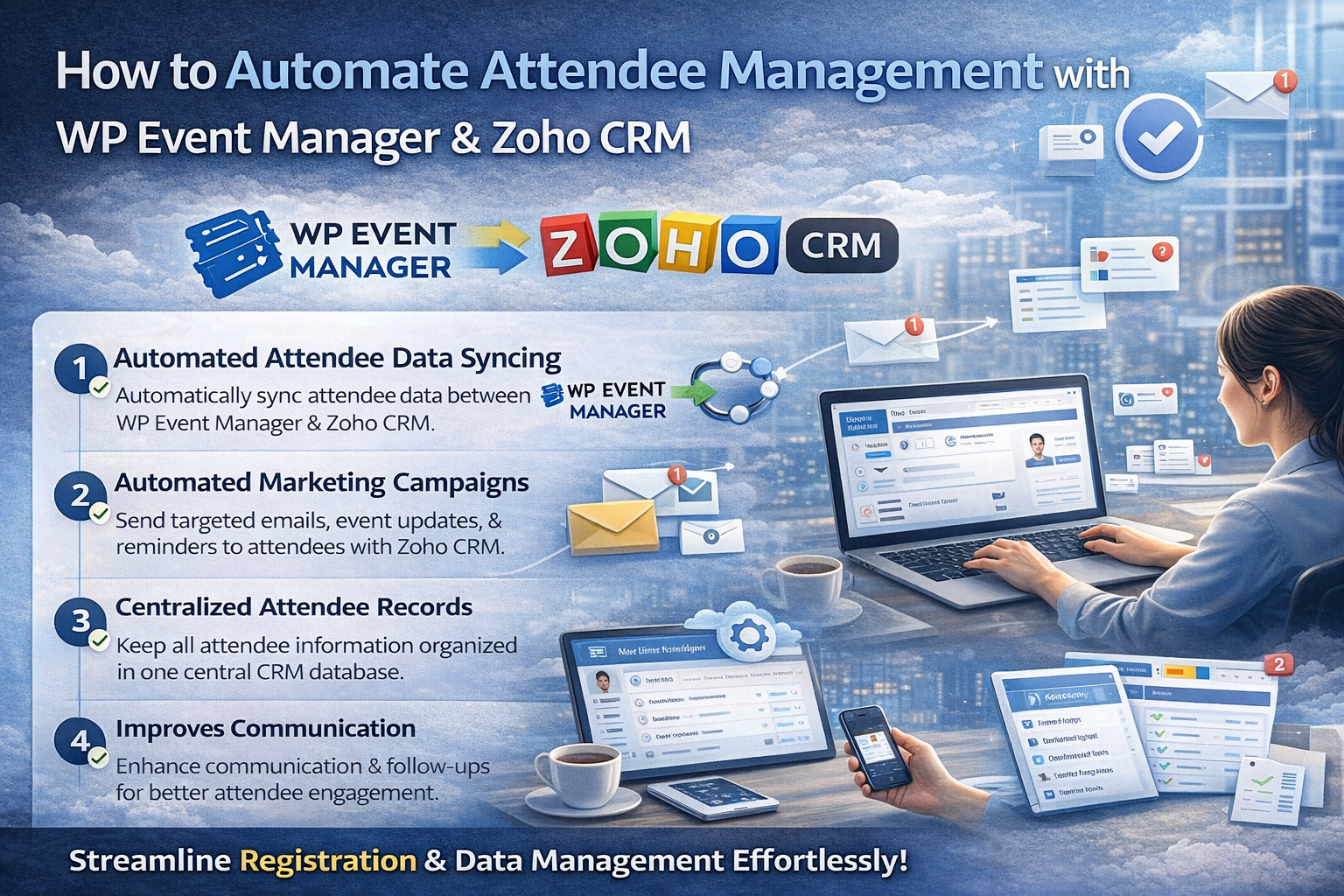
1. Automated attendee data syncing
The Zoho CRM add-on automatically syncs your attendee data that they provide you during the registration process. This reduces your efforts on entering attendee data repeatedly to various platforms. Once an attendee completes the registration process, the is stored and synced automatically.
2. Automated marketing campaigns
Zoho CRM also automates email marketing for organizers by sending automatic email updates to registered attendees, including confirmation emails, event tickets along with seating details, reminders, feedback, and more. The best part is that you can send customized email messages to each attendee.
3. Centralized attendee records
Attendee data is stored in one place which makes it easily accessible to event organizers. This means an event organizer does not need to juggle between pages to find specific attendee details such as name, contact information, ticket details, seating preferences, registration type, specific events they have registered for and more.
4. Improves communication
Automated email campaigns ensure that not a single update is missed. When handled manually, event updates or confirmation emails might be missed due to rush which can be easily avoided through automated email communication. it helps maintain transparency with attendees as well.
Wrapping up
The combined power of WP Event Manager and Zoho CRM magically transforms your attendee management system. Starting from automatically syncing attendee data to automating marketing campaigns, it covers everything to simplify the process of attendee management.
About the Author