Use coupon code:
  Something exciting is coming soon – stay tuned to find out! 🚀✨
Zapier
The brand new Zapier addon of WP Event Manager is all set to automate your event workflows by linking WP Event Manager with thousands of apps. It allows you to send real time triggers for event actions that helps sync data, send notifications, and simplify all your tasks without a single line of coding.

 1 year of support
Features You'll Love
Experience the real taste of automation with Zapier

Real-time task automation
Get your tasks updated automatically and instantly whenever a new event is added, registration is received, or any changes take place in an order or event.

Easy Zapier connection
Connect WP Event Manager with thousands of apps through Zapier without coding to amplify your event management system.

Customize task flows
Select the event actions as per your requirement that trigger automation and also determine the data that will be shared with other connected apps.
Redefining Event Management with Automation and Convenience
Embrace automation to eliminate manual effort and fast pace event management
Event-specific triggers
Zapier dashboard for organizers
Zap activity logs for organizers
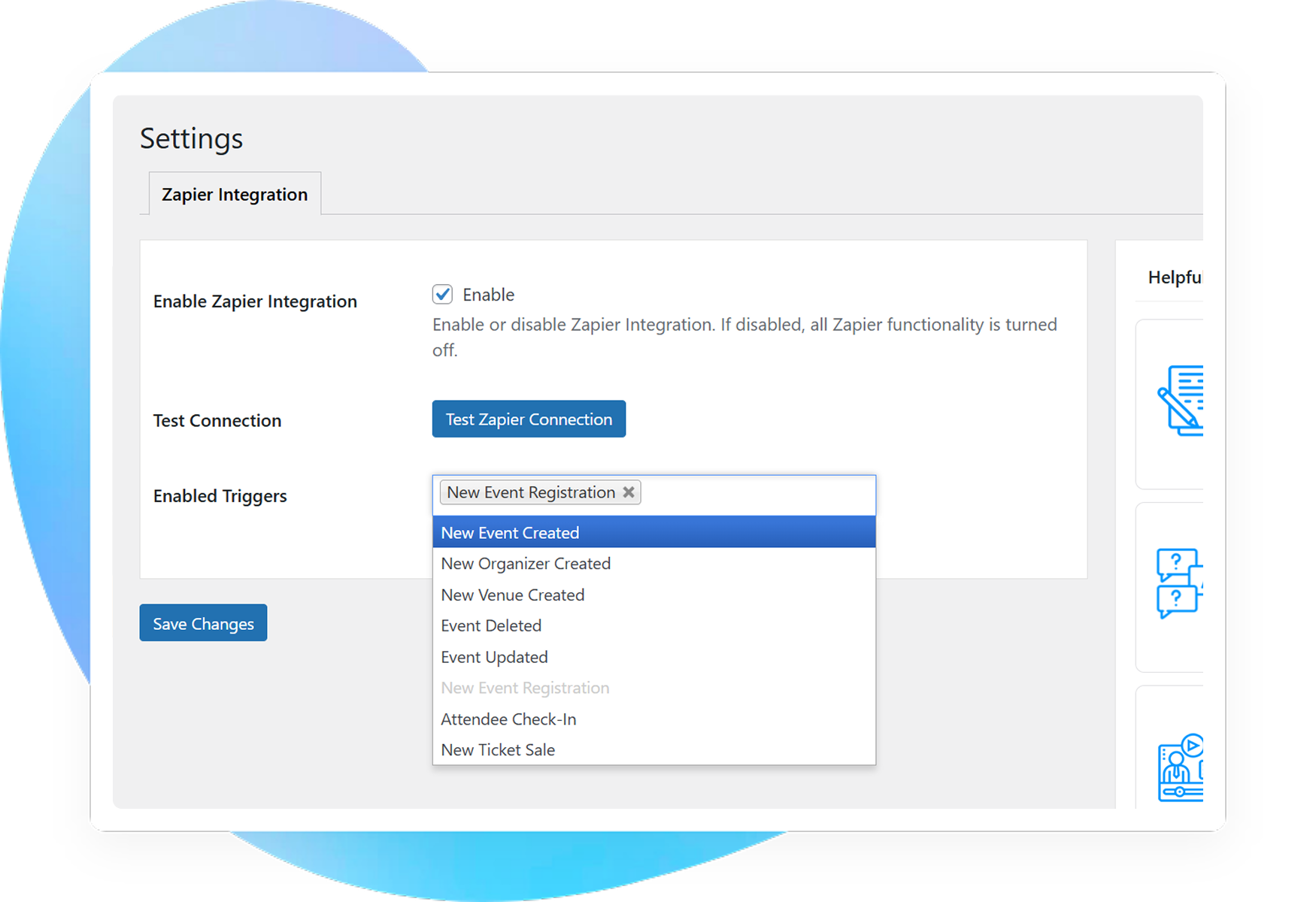
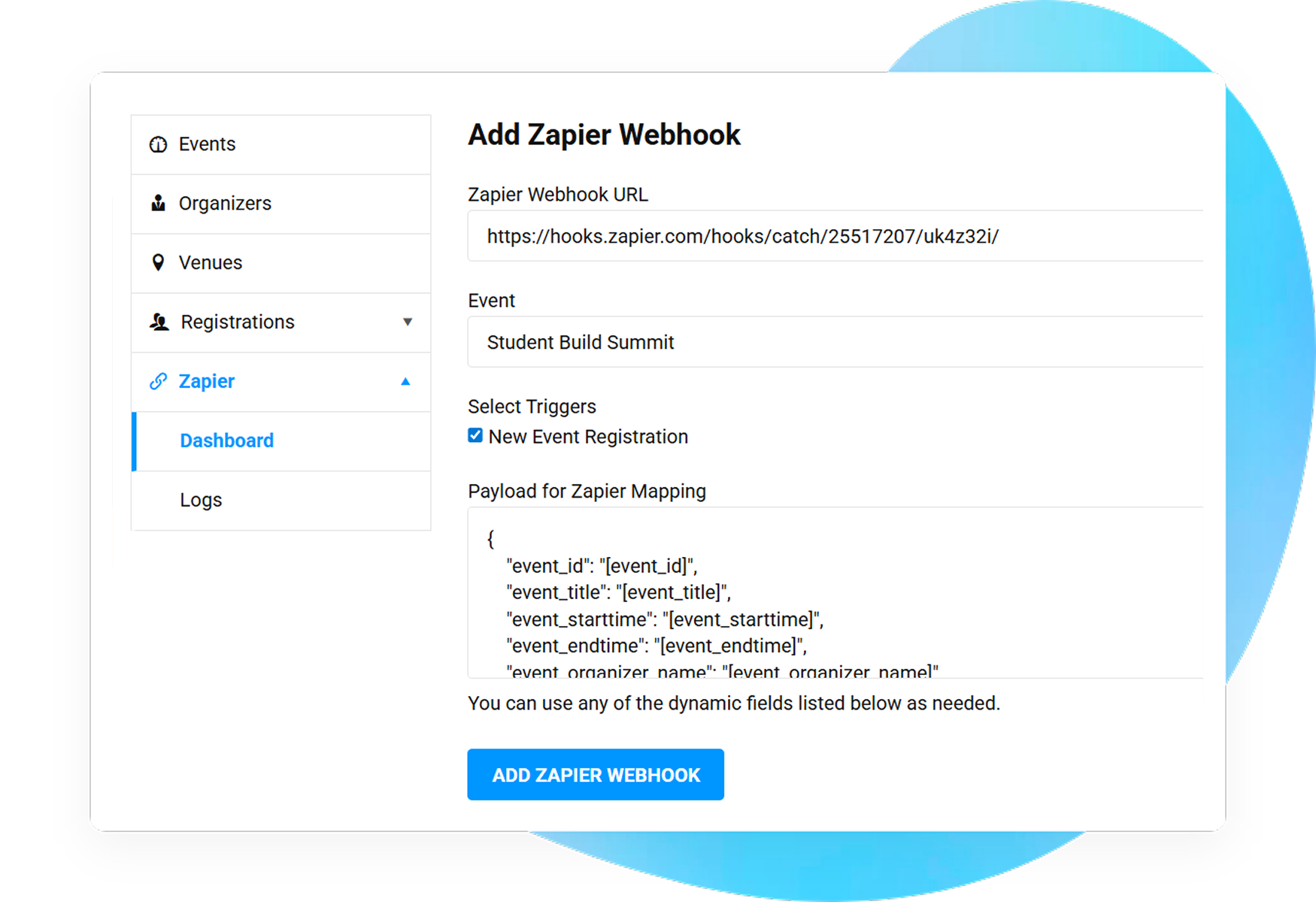
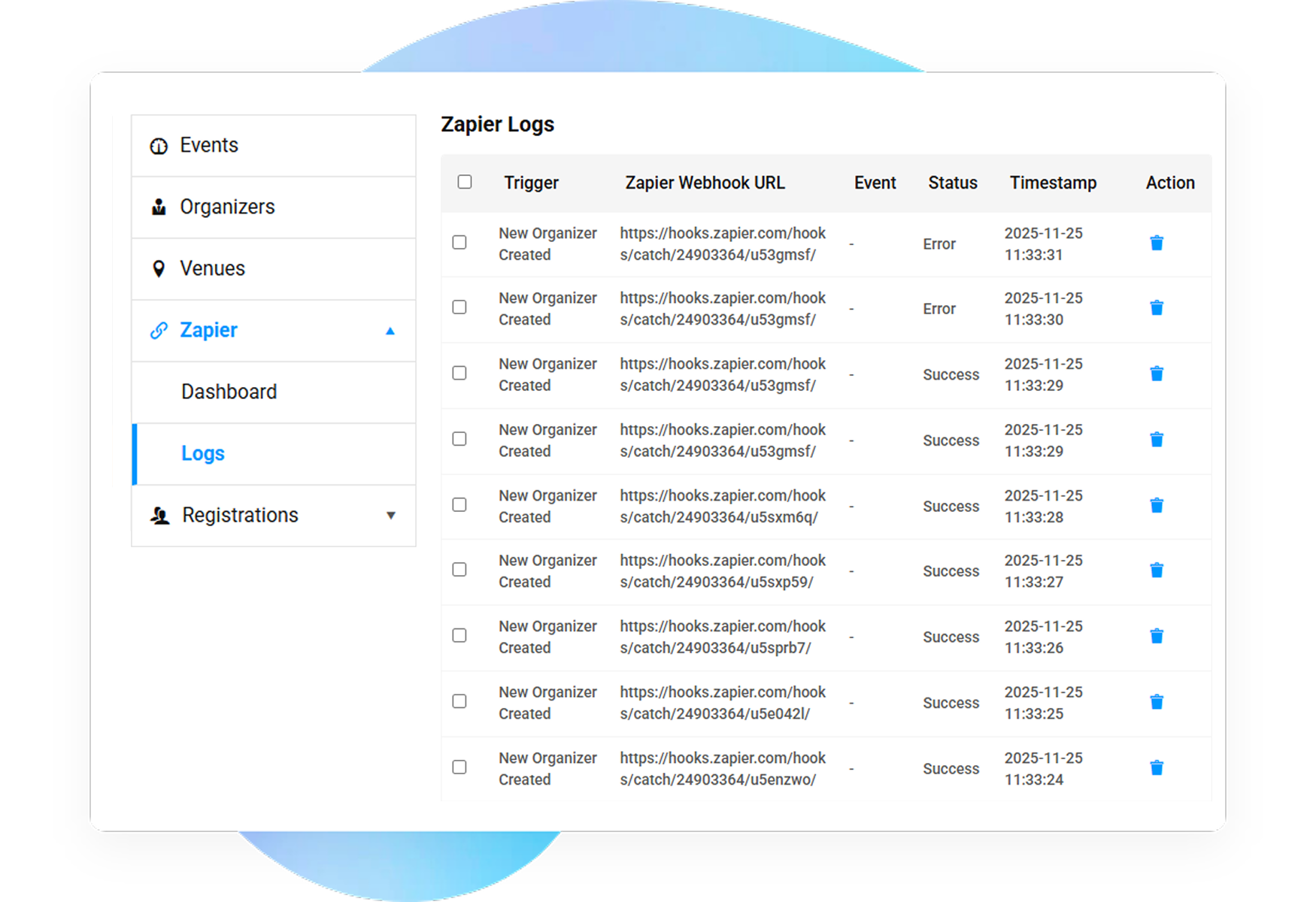
Transforming Event Management Experience with Automation
Creating a platform to strengthen, streamline, and elevate every event

Academics & Classes

NGO & Charities

Community Events

Virtual & Online Events

Concerts & Parties
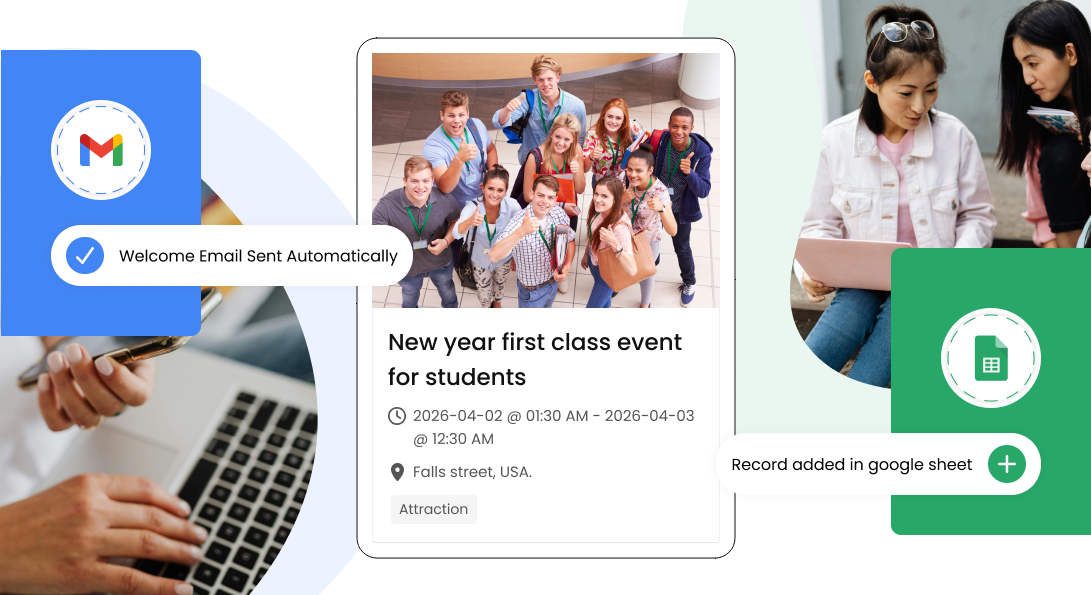
Effortlessly, add your students' details to Google sheets, send class notifications, changes in dates, and more.
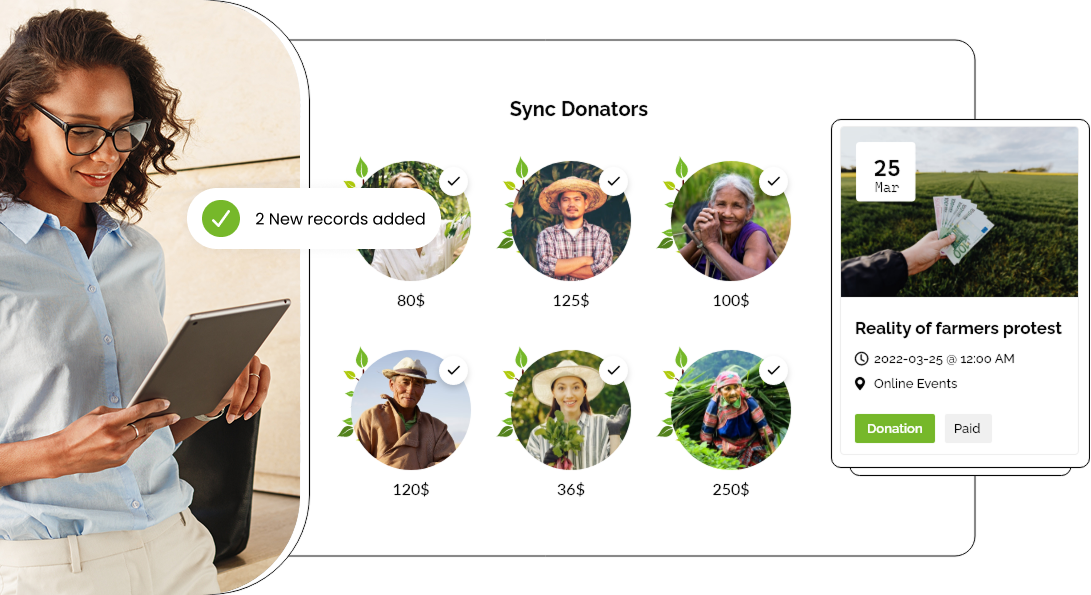
Manage and control your charity events data and sync it on CRM platforms and track marketing campaigns in real time.
Seamlessly create community events, update RSVP lists, or track attendance with Zapier's automated workflows.
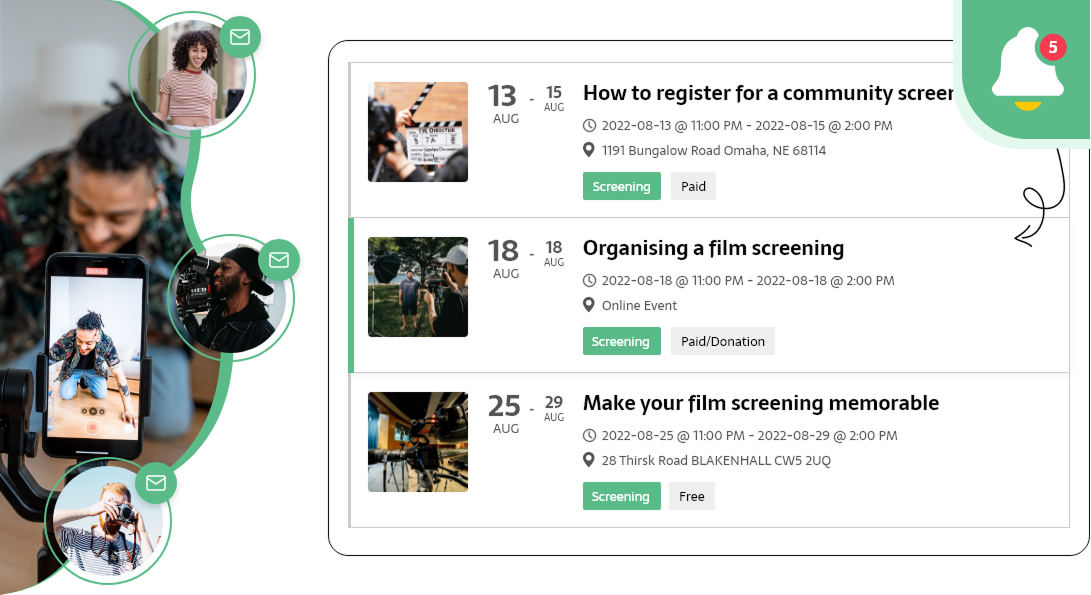
Ace the game of virtual events with easy meeting link creations, registration management, and automatic reminders to attendees.
Manage bulk attendance, track them, simplify registration and ticketing to make every concert successful with automation.

Zapier Automation Features
Simplifying event management with automation
Don't miss a bit, begin automation instantly right after an event is created, updated, published, or expired.
Activate automated workflows when someone registers for an event, cancels, or buys a ticket for the same.
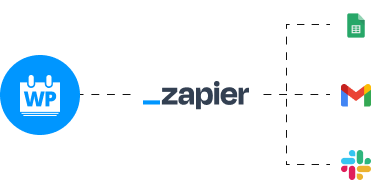
Right from posting an event on social media and updating sheets to notifying users on slack and more automate every step by building multi-step Zaps.
Customize your Zap workflow for events using granular event filters.
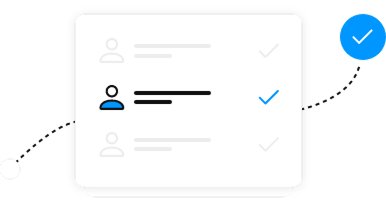
Connect WP Event Manager fields like attendee name, event date, location, category etc with Zapier fields for a seamless data transfer.
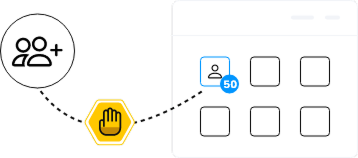
With admin's consent, event organizers can turn on or off specific triggers for their own events.
Interface
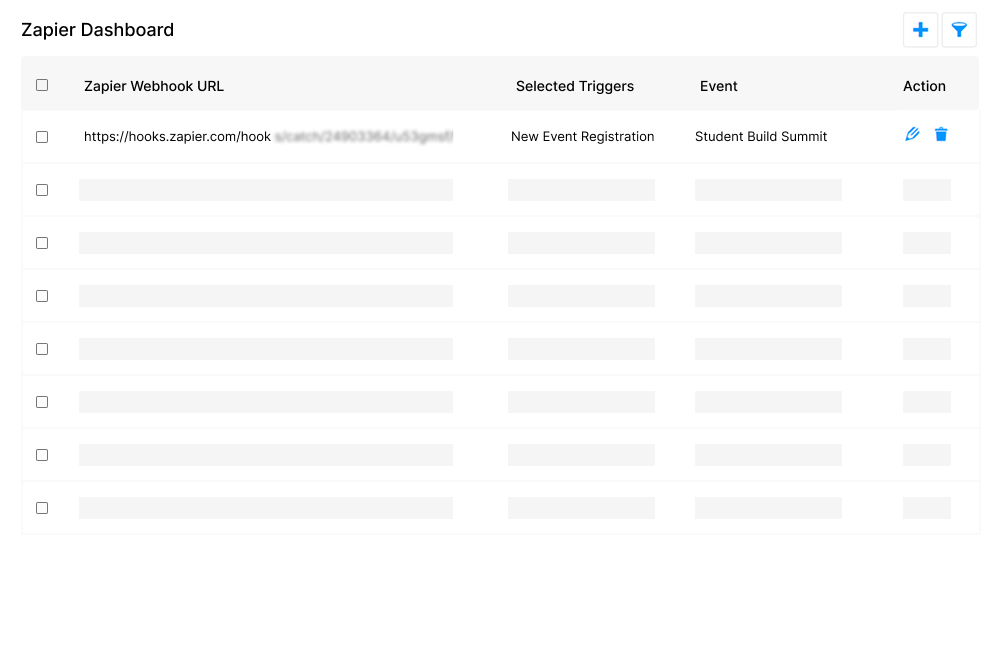
Frontend dashboard for organizers
Organizers can easily manage Zapier-related settings through a detailed frontend dashboard. It helps them determine which event actions will trigger automation for their events.
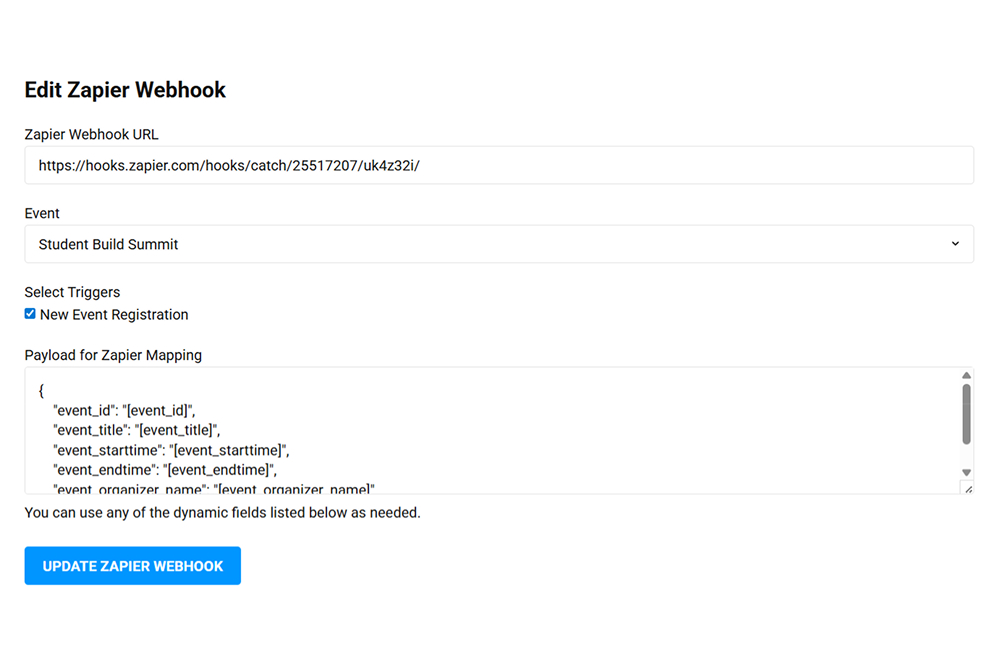
Zapier connection settings (frontend)
With the WP Event Manager's Zapier addon, organizers can check the connection status. In addition to that, they can view the Zaps that are active for their events and edit or delete them directly from the frontend as per their requirements.
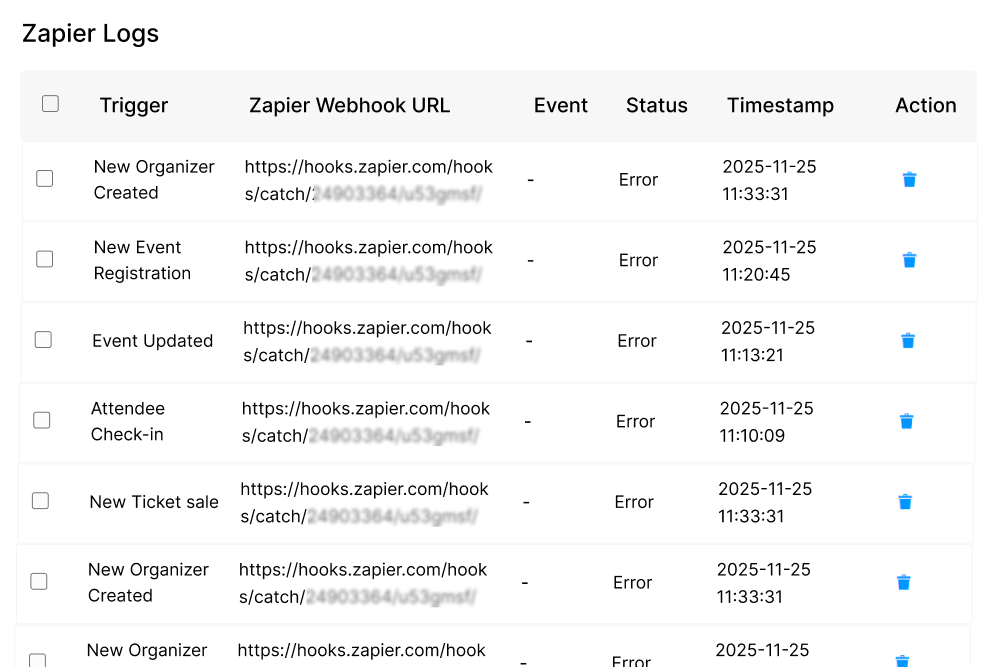
Zap activity log (frontend)
Event organizers are also allows to track the history of their recent trigger events to Zapier that also include their status which ultimately helps them understand if their automations are running smoothly.
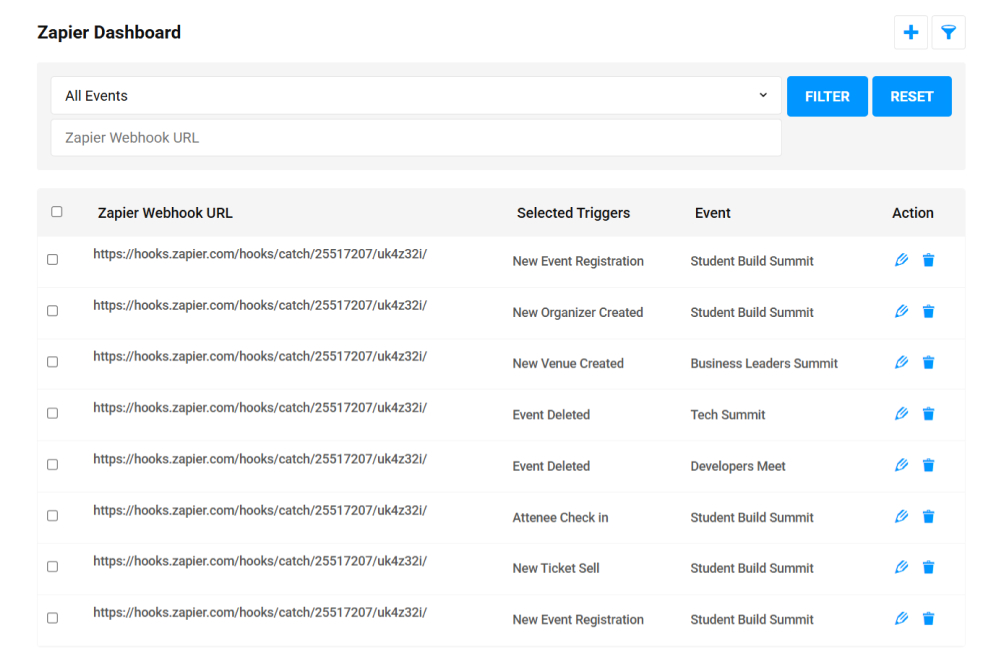
Event specific Webhook URL
Zapier integration of WP Event Manager lets you trigger specific events using a unique Webhook URL. The best thing about this feature is that instead of sending the data from all your events to an automation flow it helps you choose which event should activate which Zap. In simple words, it gives you the control to decide how each of your event data is processed.
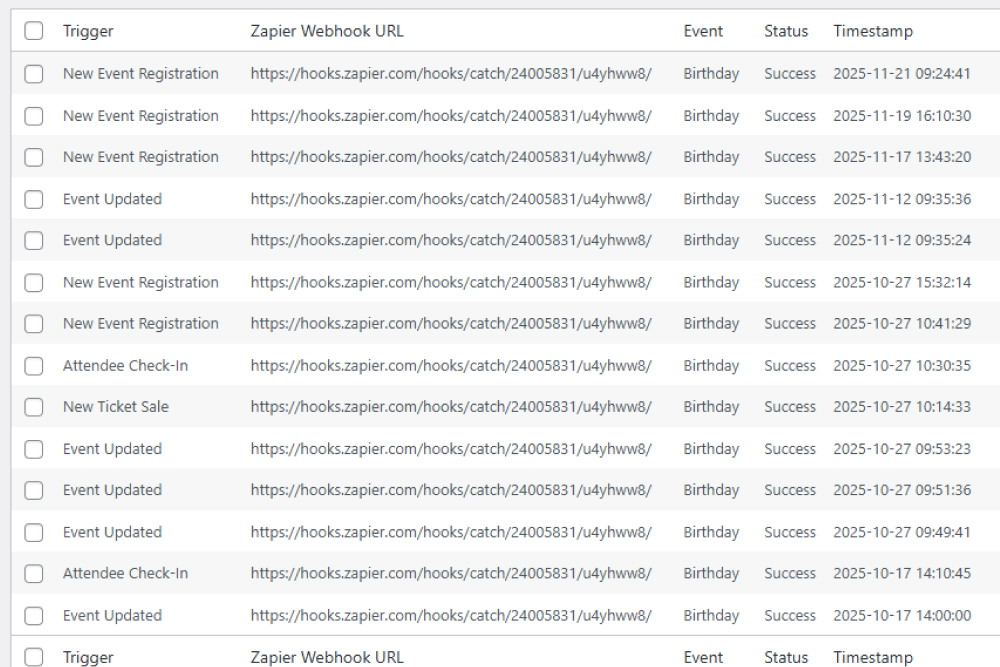
Tracking automation activity from the backend
Admins enjoy the right to access the list of all trigger events sent to Zapier, including Zapier webhook URLs, timestamps, and status codes for a detailed comprehensive monitoring and troubleshooting.
How does the Zapier integration work?
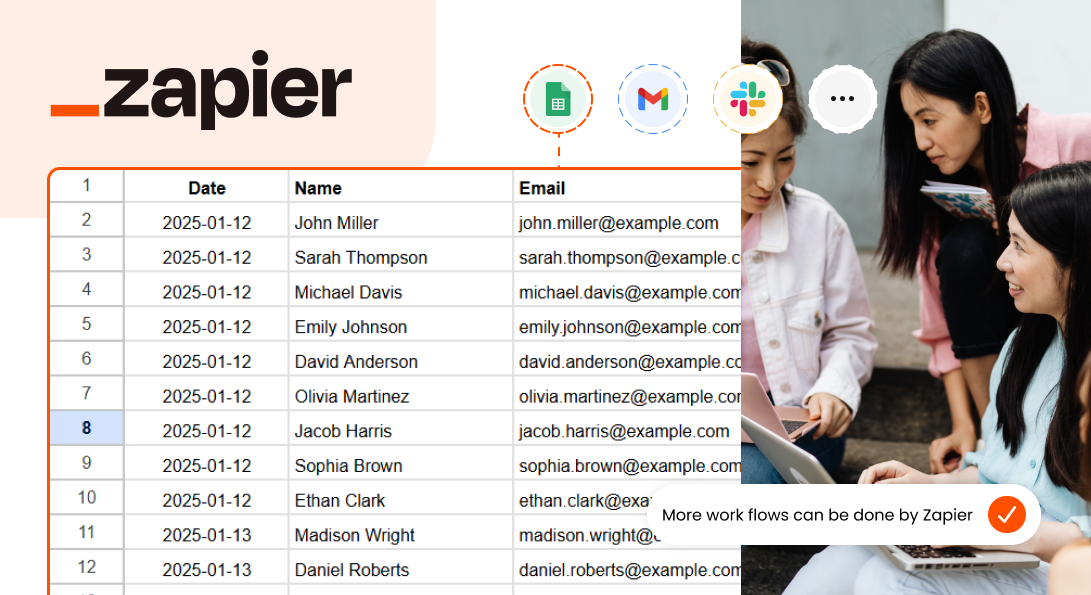
The Zapier integration links WP Event Manager with thousands of apps to help you automate multiple tasks like adding attendees to CRMs, sharing notifications, creating and updating spreadsheets, making support tickets etc.
Do I need technical skills to use the Zapier integration?
No, it is a complete coding-free solution.
Which event actions can trigger a Zap?
Some of the most common event actions that trigger a Zap include:
New event created
Event updated
Attendee registered
Ticket purchased
Order completed
Event submitted by organizer
Each trigger sends event data to the connected app.
Can I choose which events trigger a zap?
Yes, with the help of event specific webhook URL filtering facility, you can activate automation in each event you prefer instead of automating them all.
Can I automate email notifications through Zapier?
Yes. with Zapier integration you can easily trigger email sequences, confirmation emails, or marketing campaigns through any connected email platform.
I was very impressed how fast and easy it was to set up the plugin. After installation, it literally took just two clicks to create the pages and shortcodes for a basic event management system. This is a valuable plugin that many WordPress users can benefit from.

Considering the fact that event listing websites are a robust way of keeping you aware of all the happenings around you. WP Event Manager plugin is a great addition in this respect. Despite being relatively new, it is incredibly performant free WordPress plugin which helps you build an event listing website. ✅Clean code, proper documentation, and support make it fun and easy to extend for custom use. Also, the fact that it makes use of native WordPress UI and structure, makes it easy to get started with it. And the availability of the .pot file helps you easily translate it to any language. Kudos to the entire team. Cheers! ✌

WP Event Manager is a very impressive tool for publishing event details on a WordPress website. The add-ons bring lots of extra functionality to your site, but the free version is still a capable tool.

Event manager plugin is “must have” if you want to turn your WordPress website into an event management portal. Event management plugins allow you to display all relevant information for events into one place.

All in all the WP Event Manager is a great tool if you are into organising events, talks, shows and programs. Whether it is a small time thing, or a multimillion dollar company, WP Event Manager has something for every scale of business.

I am using this plugin from the very first days of its release. I made some website for my clients and recommended to many people via blog and personal message. This plugins has very cool features. Even the free version has tons of required features to manage the event. Besides that, I used this plugin for temporary event websites and it really help to manage a lots of things easily in dashboard. Thank you so much for creating this awesome plugin! Kudos to the team.

Loved it. I had to make my own site where I can invite organizers to host events and then advertise it to prospects to get attendees for the events. So far I am using the plugin, it is coded well with SEO point of view as well. I am delighted to have the free plugin.

It’s extremely easy to create and customize events. You just need a few clicks and your event is live.

WP Event Manager is easy to use and set up. It only takes a few minutes to get up and going. And I like that it includes a setup wizard to automatically create all the necessary pages.

Compatibility between Visual Composer and WP Event Manager allows you to create a website for different events without leaving the frontend editor.

I’m impressed with the vast and easy to set up customization options. I would say that it is a handy plugin to create the event WordPress sites within minutes.

WP Event Manager is one of the most comprehensive event WordPress plugins available in the market. The user-friendly settings and detailed guidance make this plugin stand out. WP Event Manager plugin along with it’s add-ons can be the best solution for any event website.

WP Event Manager is an amazing plugin to work with - as an administrator, as an end user and as a developer. Finally a WordPress events plugin with front-end submission & management! Integrating WPEM with PeepSo was a breeze thanks to the abundance of hooks and easy to read source code.

If you’re looking for a WordPress event calendar & event management plugin that has tight integration with Elementor, your best option WP Event Manager.

It is a lightweight, open-source event management plugin loaded with tons of powerful features and functionalities. WP Event Manager is optimized to be intuitive and user-friendly so that anyone with no technical skill also can easily work with it. This incredible event manager has got everything that you will ever need for your event listing WordPress websites.

This is a great plugin for Event Management and event plugin with the most complete feature.

WP Event Manager is a plugin that is simple to set up and easy to use. The plugin is perfect for websites that need event functionality on their site. It integrates well with any theme and the free version offers a good range of functionality.

One of the most unique features is that, even with the free version, you (or other people) can manage events from both the frontend and backend. Most other plugins only work from the backend, at least in their free versions. This opens up a lot of flexibility, especially around any type of event directory site. The ability to add your own custom fields also makes it very easy to customize WP Event Manager to your needs, even in the free version. Overall, that’s most of what you can do with the free version, which is already quite flexible. But with the Pro add-ons, you can unlock a lot more features.

Wp event manager plugin is very clean plugin in terms of code. The plugin is fast and does not impact the design of the theme too. I am using this plugin for my blogs and I am loving it totally. Best event management plugin in WordPress. Good job team .

Easy to use and configure as well as it is versatile plugin which can use with any types of events. Excellent support and extendibility through premium add-ons.

WP Event Manager plugin is one of the best plugin to create events on WordPress website. This is really easy to use, customize and developer friendly plugin. They provide best support to help you in anyway for this plugin. It has numbers of features and extra add-ons available to extend event functionality on your site. If you are looking for all-in-one event solution for your website then, WP Event Manager will be best choice for you!

WP Event Manager is surely the awesome plugin that every event management company would like to have it.

Tried this plugin for a few days now. I highly recommend it. It comes with plenty of awesome features and has built in the form management as well as many other features to convert your WordPress blog into a full-fledged event platform. Haven’t tried other premium addons but free version is already offering a lof of value.

Event manager plugin is “must have” if you want to turn your WordPress website into an event management portal. Event management plugins allow you to display all relevant information for events into one place.

WP Event Manager is a WordPress plugin for creating event listings. You can either display your own events or invite others to register and submit their events on your website. This event management tool will help you organize and promote your event listings in a single dashboard.

WP Event Manager is a Wonderful WordPress Event plugin packed up with great features and add-ons. The team is very much responsive and hard working. Thanks for such a great addition to WordPress community.

WP Event Manager is first of all super easy to use. I had it up and running in a matter of minutes. But it also has a lot of customization options. The field editor is really awesome! You can basically change/add/remove any field that you see on the back-end and front-end event submission forms. This allows you to build something tailored specifically for your event. The developers are very generous as the number of options in the free version of this plugin will surprise you. We’ve even noticed that users rave about the developer support for the free version of the plugin.

WP Event Manager is a very nice system for managing events on your WordPress site. It's lightweight and makes it easy to display and sell tickets to events.