Use coupon code:
  Something exciting is coming soon – stay tuned to find out! 🚀✨
- « Previous blog
-
Grow My Business
-
Feb 17, 2026
-
Feb 19, 2026
-
234
-
0
- Next blog »
If you want to thrive in the digital world with your events website, you can not afford to sweep its performance under the rug. As human attention span is shrinking, and competition is heating up with each passing day, website performance can no longer be taken lightly. Users would not give a second thought before pressing the back button if your website is slow, buttons don't work, or gets stuck mid-way.
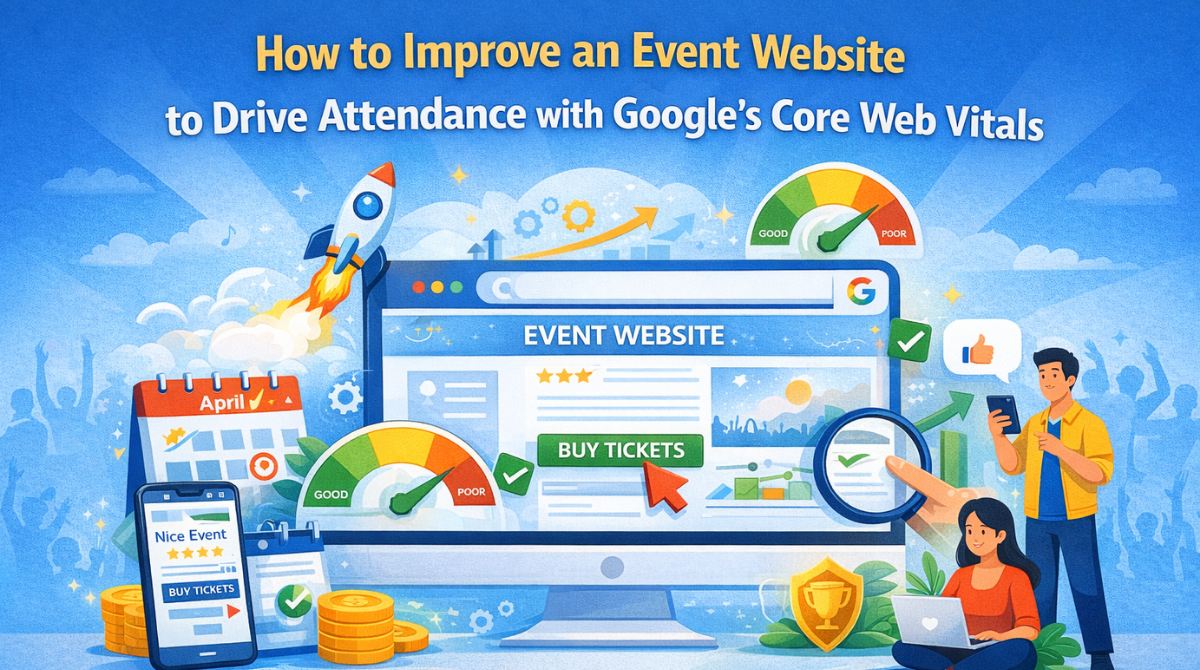
Considering user behavior and Google's ever-evolving search algorithm, it is crucial for every event organizer to optimize events websites to drive event attendance. Here comes the role of Google's Core Web Vitals, which help you measure your website performance. In a nutshell, they give you a clear picture of your website's loading speed and how it feels to interact with it.
Though Core Web Vitals are not the sole factor for a website's ranking, when two pages have neck and neck content quality, the one that fulfills Google's Core Web Vital standards wins the game. In this article, we have shared a detailed guide on how you can optimize events website based on Google's Core Web Vitals.
Understanding Google's Core Web Vitals
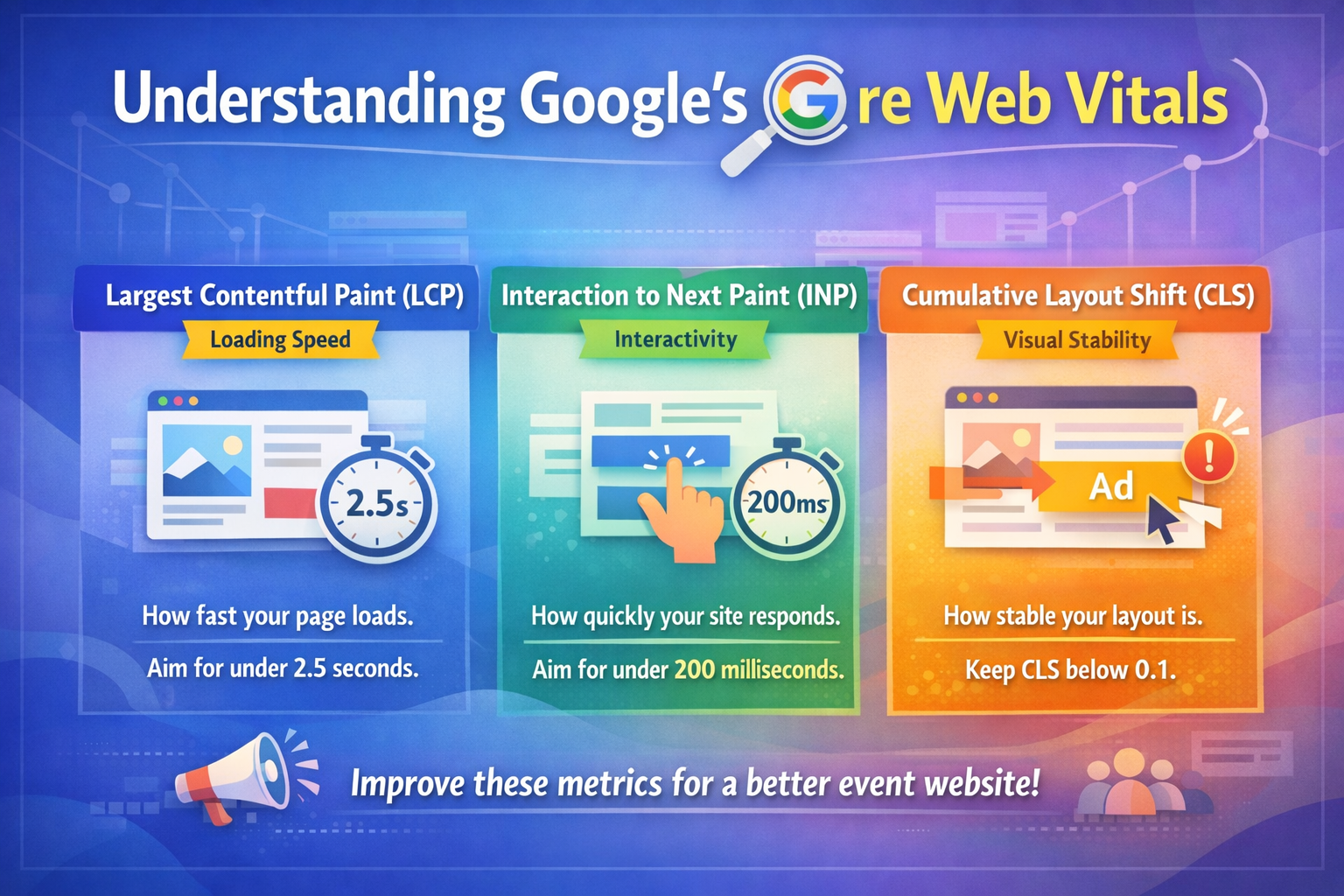
Google Core Web Vitals are nothing but a part of its page experience Matrics that is mainly based on three aspects including loading speed, visual stability, and interactivity. These aspects determine the user experience on your events website. Offering a good user experience by meeting Core Web Vital standards helps you boost event attendance.
When it comes to the Core Web Vitals, you must be aware of three main user experience metrics on your website, which include the following:
- Largest Contentful Paint (LCP): Tracking loading speed
This Core Web Vital metric mainly focuses on the loading speed of your web pages. It measures the time your webpages take to load, especially the one that is filled with content. According to Google, the ideal time span for page load is 2.5 seconds or less for the best user experience.
For your events website, you need to ensure that pages containing crucial details of your events, including dates, registration details, and more, load quickly to maximize event attendance.
- Interaction to Next Paint (INP): Monitoring interactivity
The second in the list of Core Web Vital metrics is interaction to next paint, which deals in how your events website interacts with visitors. In simple words, it evaluates how quickly your site reacts to clicks on links and other elements of your web pages. A delay in response leads to user frustration. An ideal response time for your website is 200 milliseconds, whereas a 500ms is considered a lower response time.
There are various tools available that helps you monitor your INP score. You can pick one and start tracking your INP performance and make improvements accordingly if needed.
- Cumulative layout shift (CLS): Evaluating visual stability
Cumulative layout shift is another crucial Core Web Vital metric that allows you to track your website's visual stability. If the visible content on your webpages unexpectedly shifts while loading it often leaves users confused and lost which indicates a poor CLS score.
Your CLS score needs to be less than 0.1 to satisfy your visitors. Otherwise, it becomes really frustrating when you press a button and it suddenly shifts. Some of the most common causes of poor CLS include posting ads without proper dimensions and poorly implemented cookie banner. High visual stability of your website improves SEO and helps Core Web Vitals work properly on all devices.
The impact of Core Web Vitals on event attendance
Maintaining Google's Core Web Vitals improves your ranking in search results, which ultimately leads to better visibility of your events. Besides this, it also guarantees a better user experience on your site.
Here's how Google's Core Web Vitals impact your event attendance:
- Better event visibility: Google always prioritize websites that perfectly fulfill its Core Web Vital standards offering them a better rank on search results. When it comes to events website it means a boost in visibility of events, organic traffic and potential attendees.
- Better user experience and engagement: When your website loads quickly, offers visual stability and its links redirect properly, users automatically finds interest in that and eventually spends more time in it driving engagement. For events website it means higher registrations, ticket sales and event attendance.
- Reduction in bounce rate: Websites that do not meet Core Web Vital standards are most likely to have a high bounce rate which indicates that visitors leave those sites without any interaction. That is why optimizing your events website according to the Core Web Vitals helps you reduce the bounce rate significantly eliminating the chances of losing attendees.
Optimizing your events website with Google Core Web Vitals
Besides ranking, Core Web Vitals directly influence your user experience and event ticket sales. Discover some result-driven ways to optimize events websites with Google Core Web Vitals:
1. Strategies to optimize LCP
Optimizing LCP is crucial to ensure your website loads fast. Remember that a fast loading website is the first step of delivering a good user-experience. Consider the following tips to optimize your website LCP.
- Work on images: Use your main images in advanced formats such as AVIF. Keep the fetchpriority of your images above the fold to "high to assure high speed rendering.
- Remove unnecessary resources: Delete all unwanted CSS and do not run unnecessary JavaScript. It enables browsers to paint visible content on screen faster.
- Optimize server reaction time: It is about optimizing your website''s backend performance. A good backend speed optimizing service enhances your website's backend speed by implementing server side caching which saves ready-made pages and decreases the processing time. It also improves hosting structure assuring faster response time even during high traffic.
- Setup CDN and caching layer: A powerful CDN generally holds all your website assets including images and scripts to global servers and sends them from the location closest to the users. This makes loading faster and improves LCP.
2. INP optimization tricks
When it comes to improving INP of your events website, its responsiveness during an interaction with users plays a pivotal role. Consider the following ways to enhance your website's INP.
- Manage third-party script: Third-party scripts generally include chat widgets, ad scripts, social media integration and more that occupy significant browser resources. Though they increase your website's functionality, they slow down your website's response time. That is why you must go through all your website scripts regularly to identify the unnecessary one and eliminate them. Load the essential scripts first and delay the rest.
- Optimize WordPress performance: Make sure to check and improve your WordPress site performance by adding only light weight plugins & themes and keep only the ones that are in use.
- Get rid of bloated codebases: To optimize events website based on Core Web Vitals, make sure to remove unnecessary CSS, JavaScript, and outdated code.
- Reduce Java script execution time: Loaded JavaScript is one of the biggest reasons of poor INP. To prevent this and optimize events website, break heavy scripts into smaller tasks and adopt code splitting.
3. Tips to optimize CLS
Visual stability of your events website is crucial to avoid user frustration during page loading. Follow the below mentioned tips to optimize events website by ensuring visual stability to your website.
- Set proper dimension to images and videos: Make sure you mention the height and width attributes for the images and videos in your HTML or CSS. This helps your browser understand how much space it should reserve and avoid content shifts during page load.
- Check font loading: Sometimes webfonts load after the display of text which leads to layout shifts. That is why it is recommended to set your font display setting at "Swap"" and pre-load essential fonts to avoid delays.
- Avoid dynamic content shift: You need to be careful while adding banners, ads or any announcement to an existing content. If these elements load after the page begins rendering, they often displace the content.
- Use CSS aspect-ratio properties: This helps maintain a consistent layout in different screen sizes and controls sudden shifts.
Adopt all the above mentioned tips to optimize events website based on the Google's Core Web Vitals.
If you want to elevate the features and functionalities of your events website without affecting its performance, use a WordPress plugin like WP Event Manager that is light weight.
Wrapping up
In a nutshell, Google's Core Web Vitals are essential to optimize events websites to ensure that your website performance does not get affected during high website traffic. As it is an undeniable fact that when your events website do not perform well, it directly puts a negative impact on your events attendance. To avoid this, follow the tips to optimize the events website mentioned in this article.
About the Author